Content Blocks Plugin
Overview
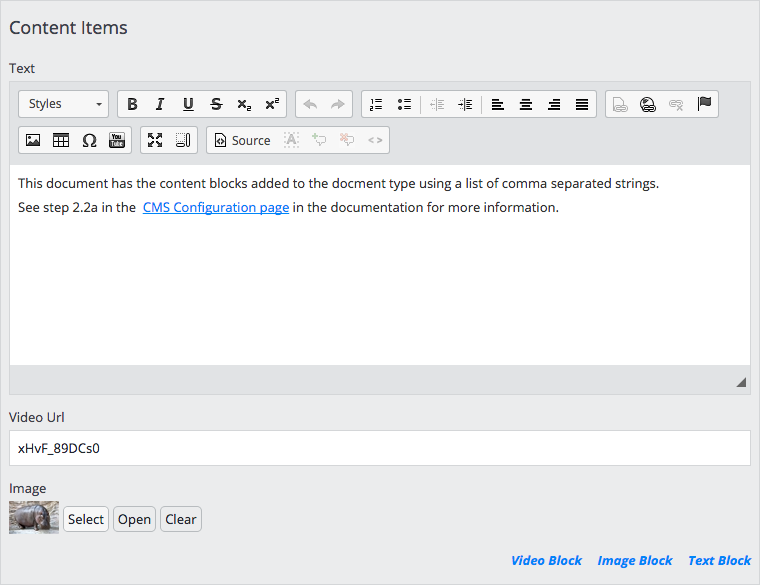
The Content Blocks plugin enables content authors to add multiple, pre-configured compound type blocks to a document. Authors can insert and arrange these blocks—such as text, video, or image blocks—in any order or combination. This approach supports flexible document types, allowing authors to structure content according to specific requirements.
Use the Content Blocks plugin when content authors need to assemble complex content elements in a customizable sequence within a document. Developers define which content blocks are available for each document field.
Example Editor Interface
Source Code and Demo
https://github.com/bloomreach/brxm/tree/brxm-14.7.3/content-blocks