Tagging Plugin User Guide
Overview
This guide describes how to use the Tagging plugin user interface in Bloomreach Content.
Tag Input Box
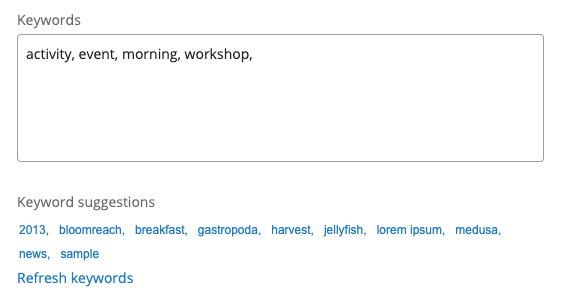
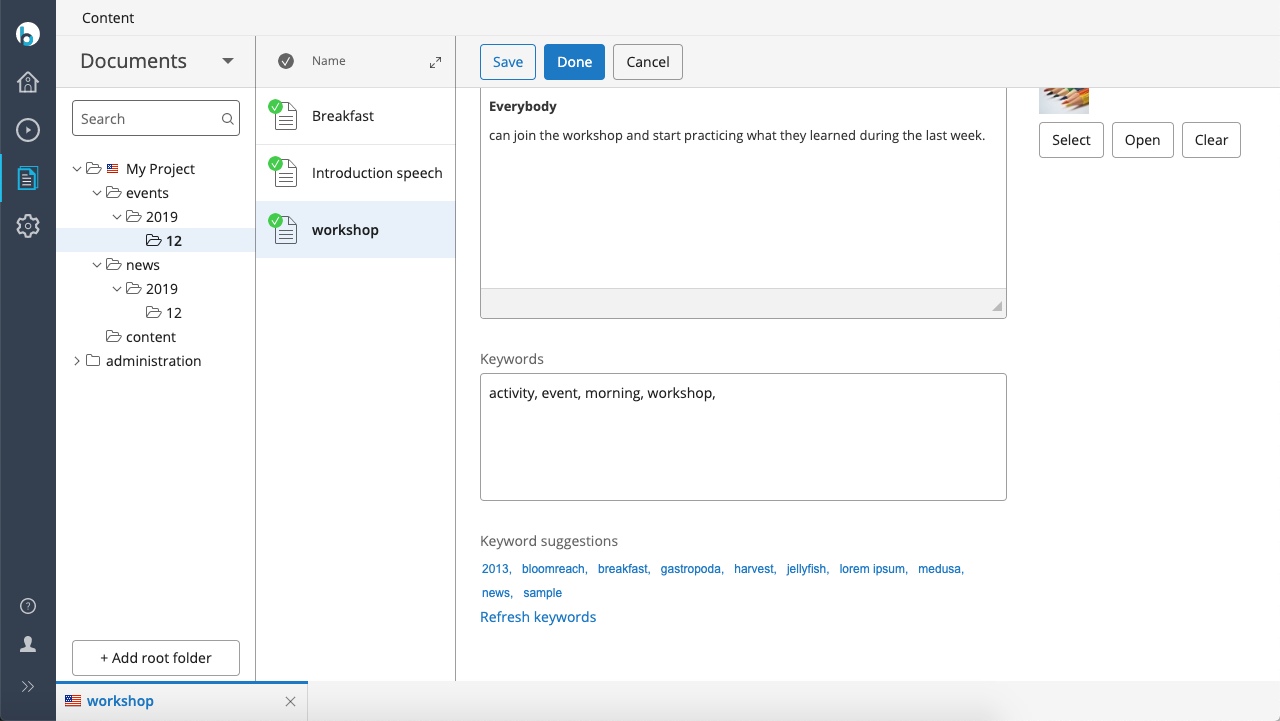
Use the tag input box to assign tags to your content. Enter each tag separated by a comma (,). The system removes any leading or trailing whitespace from each tag. Tags can include spaces (for example, multi-word tags), but using spaces in tags is not recommended because it reduces the accuracy of tag suggestions.
Tag Suggestions
Tag suggestions appear below the tag input field. Each suggestion is a clickable link. Select a suggestion to add it directly to the current document.
Tag Cloud
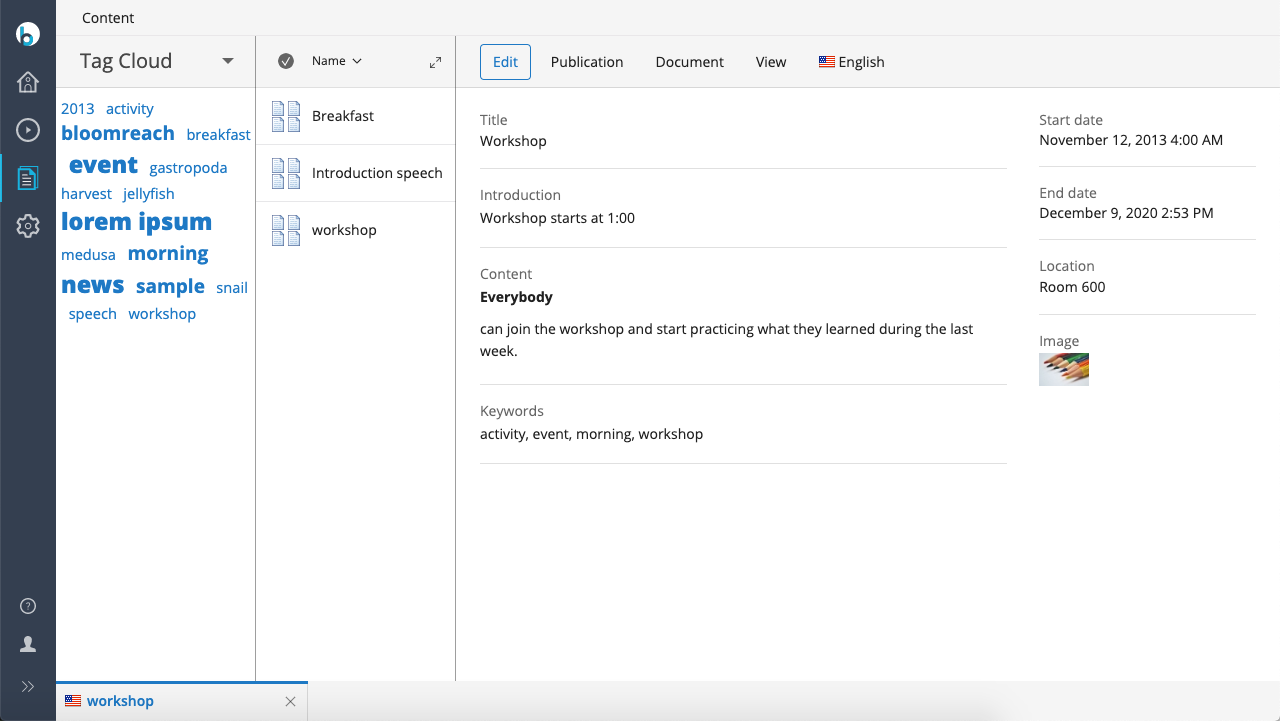
The tag cloud provides a way to browse documents by tag. Select a tag in the tag cloud to display all documents that contain that tag.