Configure the Google Maps Plugin
Add the Google Maps Plugin to Your Project
You can add the Google Maps plugin to your Bloomreach Content project using the Essentials setup application.
Prerequisites
- A Bloomreach Content project with the Essentials setup application available.
Steps
- In Essentials, add the
Google Mapsfeature to your project.
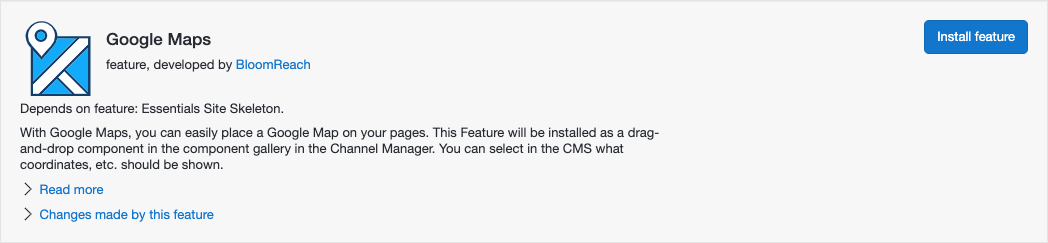
- Rebuild and restart your project.
Note: Review the Google Maps policies before using this feature in a production environment. See: https://cloud.google.com/maps-platform/terms/aup/.