Configure the Form Field Autocomplete Attribute
Info: Available in brXM 14.1.0 and later.
Overview
You can configure the autocomplete attribute for specific form field types in Bloomreach Content Enterprise Forms. The autocomplete attribute provides hints to the browser about how to autofill form fields, such as prefilling a user's address based on previous input.
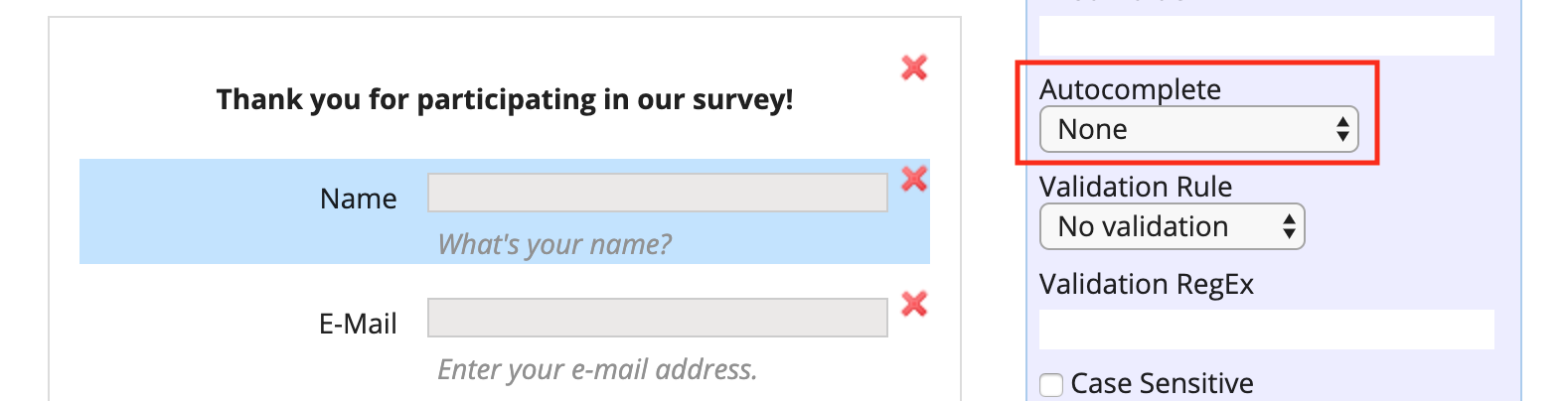
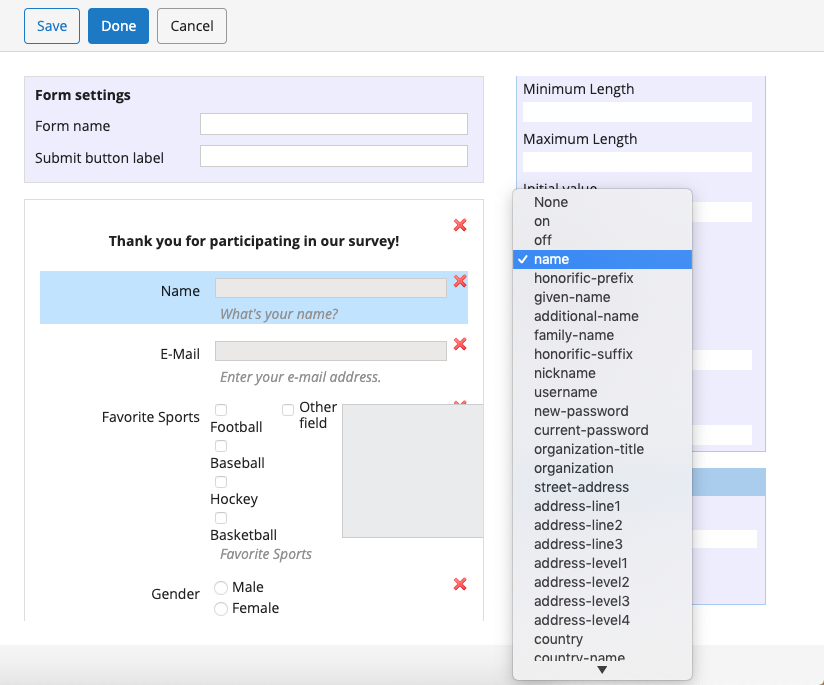
In the form editor, supported field types include an Autocomplete dropdown in the field properties. This dropdown allows you to select the value for the autocomplete attribute. The available options in the dropdown are managed in the repository configuration.
Supported Field Types
The following field types support the autocomplete attribute:
- Text Field
- Date Field
- Text Area
- Dropdown
Configure Autofill Detail Tokens
The values shown in the Autocomplete dropdown are defined in the repository at /hippo:configuration/hippo:modules/eforms/hippo:moduleconfig/eforms:autocomplete using the multi-valued string property eforms:autocompletevalues.
By default, the property includes "on", "off", and the autofill field names specified in the HTML specification:
/eforms:autocomplete: jcr:primaryType: hipposys:moduleconfig eforms:autocompletevalues: ['on', 'off', name, honorific-prefix, given-name, additional-name, family-name, honorific-suffix, nickname, username, new-password, current-password, organization-title, organization, street-address, address-line1, address-line2, address-line3, address-level1, address-level2, address-level3, address-level4, country, country-name, postal-code, cc-name, cc-given-name, cc-additional-name, cc-family-name, cc-number, cc-exp, cc-exp-month, cc-exp-year, cc-csc, cc-type, transaction-currency, transaction-amount, language, bday, bday-day, bday-month, bday-year, sex, url, photo, home, work, mobile, fax, pager, tel, tel-country-code, tel-national, tel-area-code, tel-local, tel-local-prefix, tel-local-suffix, tel-extension, email, impp]
To modify the available autocomplete options, update the eforms:autocompletevalues property in the repository.