Enterprise Forms: Form Data Application
Store Form Data
To store submitted form data in the content repository, add the Store Form Data pluggable behavior to your form.
Access the Form Data Application
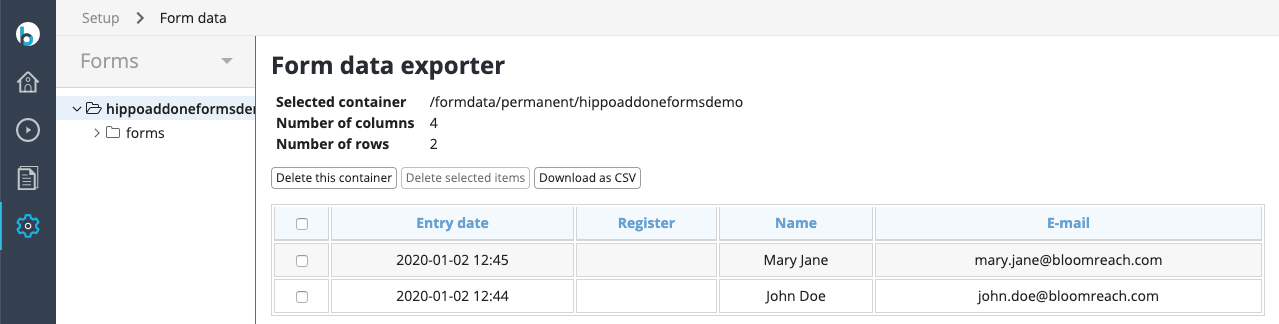
CMS administrators can access the Form Data application by navigating to Setup > Form Data in the CMS.
Configure CSV Export
You can export saved form data as a CSV file. By default, the CSV uses a comma (,) as the separator and newlines (\r\n) to terminate rows.
To change the row terminator or separator, configure the following properties on the FormContainerExporter:
lineTerminator: Sets the string used to terminate each row.separator: Sets the character used to separate fields. Available since version 13.2.0.
Example configuration in YAML:
/hippo:configuration/hippo:frontend/cms/cms-eforms-perspective/editor: lineTerminator: \n separator: ; // since 13.2.0