Use Mission Control
Overview
Mission Control provides a web interface for managing your Bloomreach Cloud environments. Use Mission Control to access your stack and perform environment management tasks.
Access Mission Control
To open Mission Control for your stack, enter the following URL in your browser. Replace [stackname] with your stack's name:
https://missioncontrol.[stackname].bloomreach.cloud/
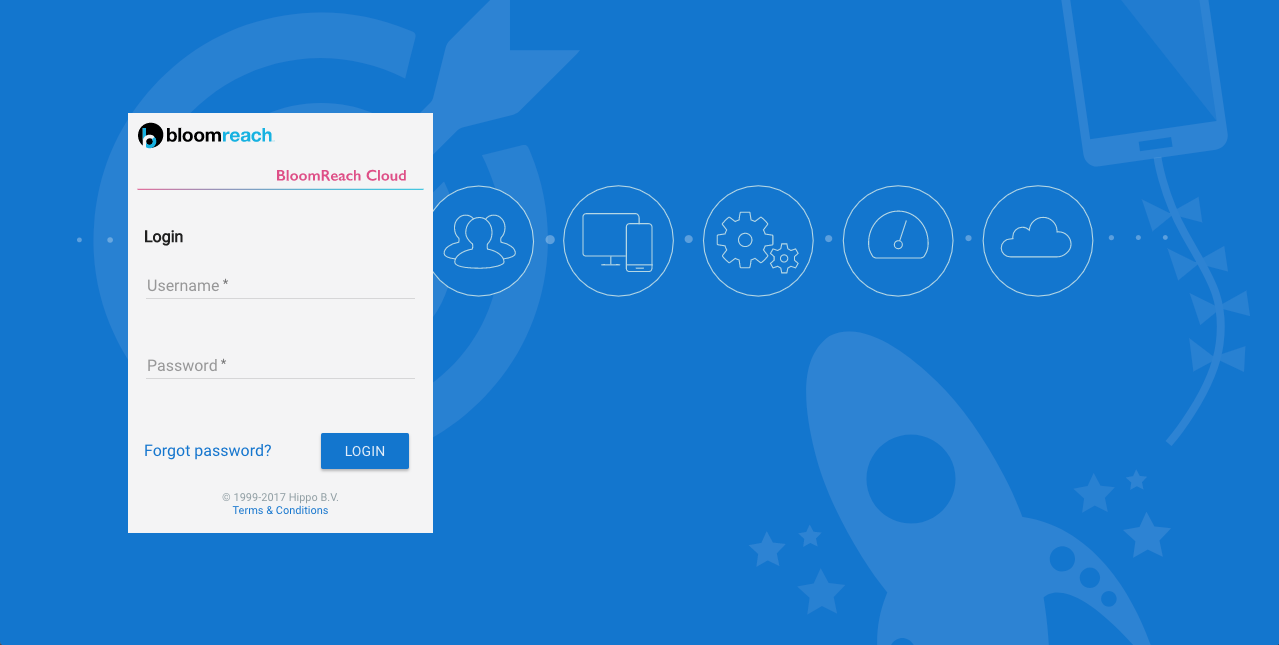
Log in using the credentials supplied by Bloomreach.
Access Inline Help
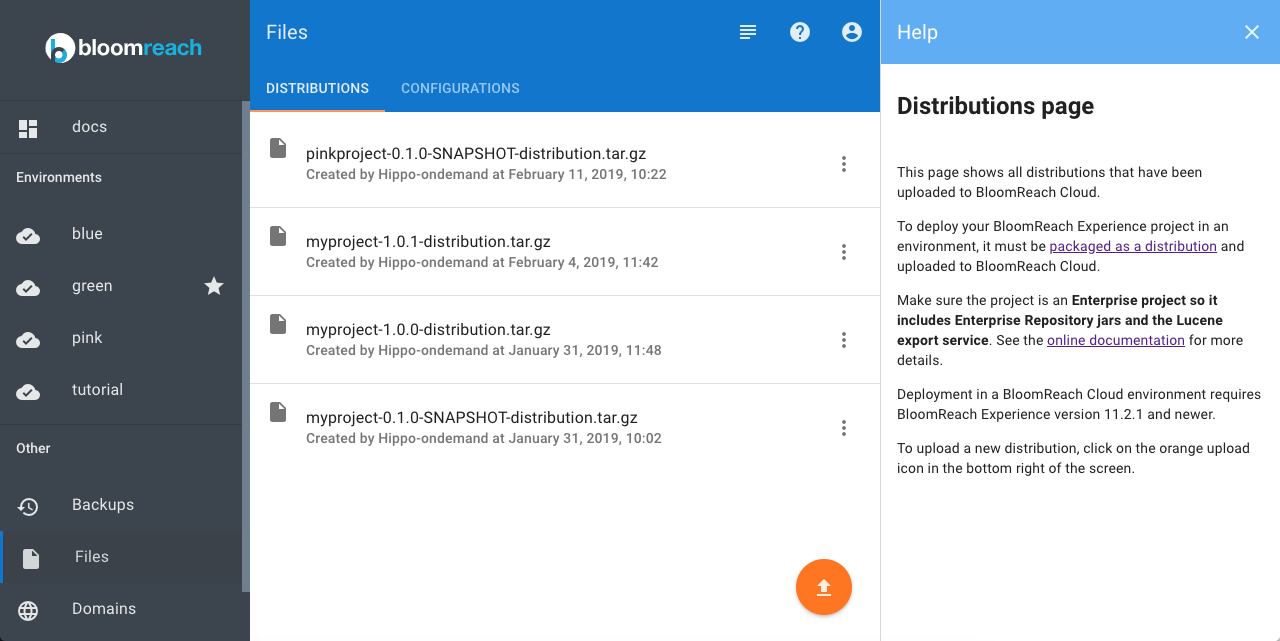
Mission Control includes inline help for each screen. To view help content, select the question mark icon in the top right corner.
Next Steps
Refer to the inline help in Mission Control for guidance on specific features and tasks.