Bloomreach Content Essentials Project Setup
The Essentials setup application accelerates new Bloomreach Content implementation projects and lowers the learning curve for developers new to XM.
Refer to the Getting Started tutorial for step-by-step instructions on using Essentials to begin developing your own Bloomreach Content project.
Overview: Essentials Setup Application
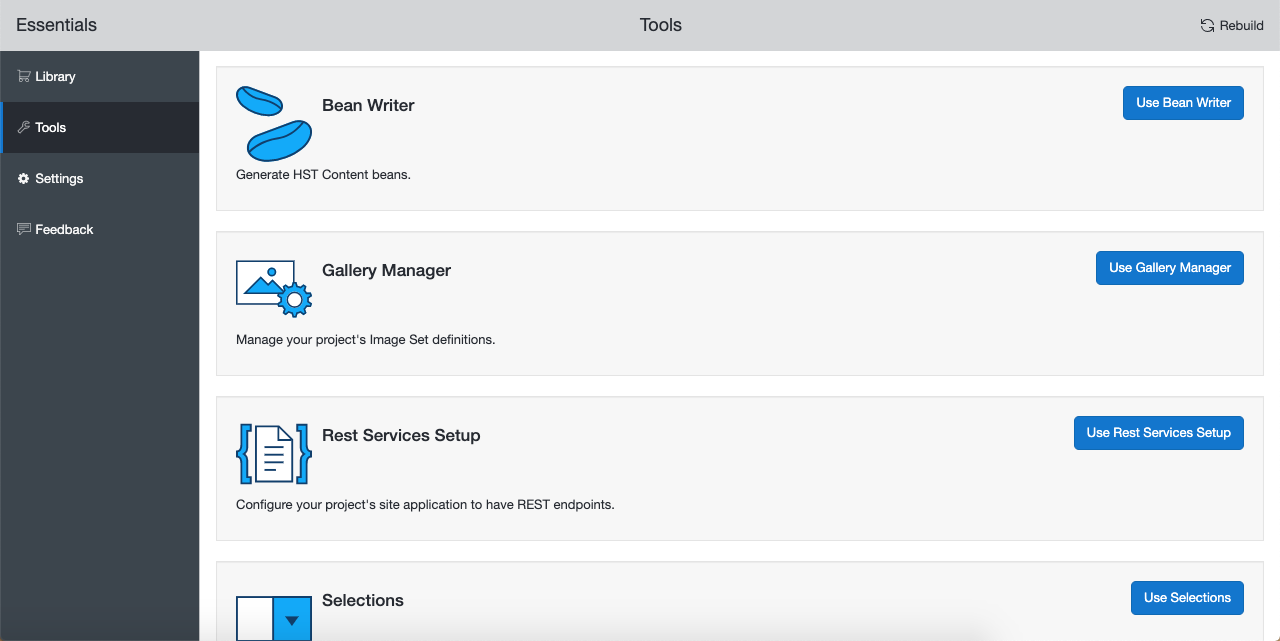
The Essentials setup application includes a configuration Dashboard web application (referred to as the Dashboard) and a collection of plugins. Each plugin adds a project feature or development tool. Run the Dashboard on your development machine to guide you through the key steps required to build a Bloomreach Content project. Essentials reduces the need for in-depth product knowledge by providing guided workflows, help, and documentation during setup.
Intended Audience
Use the Essentials setup application when starting any new Bloomreach Content project. Essentials is designed to help developers—especially those new to XM—set up projects following Bloomreach Content best practices. It streamlines project initialization and saves time for all developers, regardless of experience level.
Availability
The Essentials setup application is available now.
How to Access
Essentials is an open source tool included with the Bloomreach Content project archetype. The recommended way to start a new Bloomreach Content project is by using this archetype, which includes Essentials by default.