Add Features to the Project
Info: Add new functionality to your Bloomreach Content project.
After starting your blank Bloomreach Content project, you can extend it by adding features such as document types, rendering templates, or components.
The recommended approach is to use the Essentials setup application, available at http://localhost:8080/essentials.
When you access Essentials for the first time, you will see a welcome page.
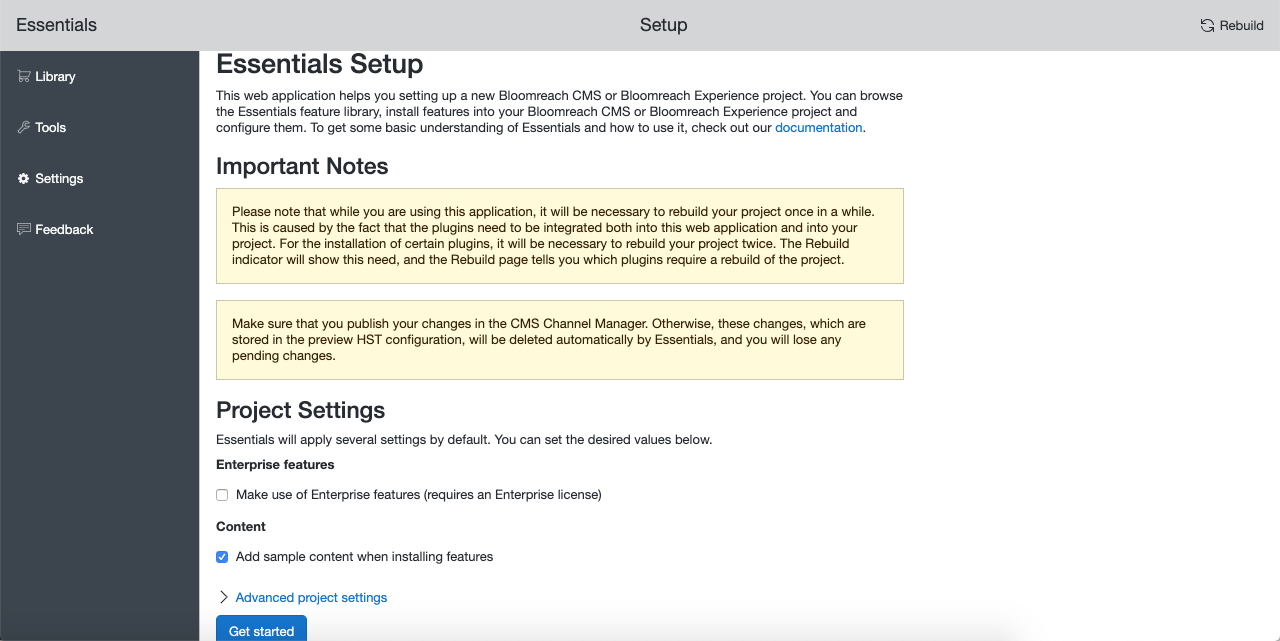
On the welcome page, configure the global project parameters. These settings apply throughout your Bloomreach Content project. Review the notes on this page carefully. The welcome page appears only during the initial startup of the setup application. Select Get Started to save your settings and proceed to the Library.
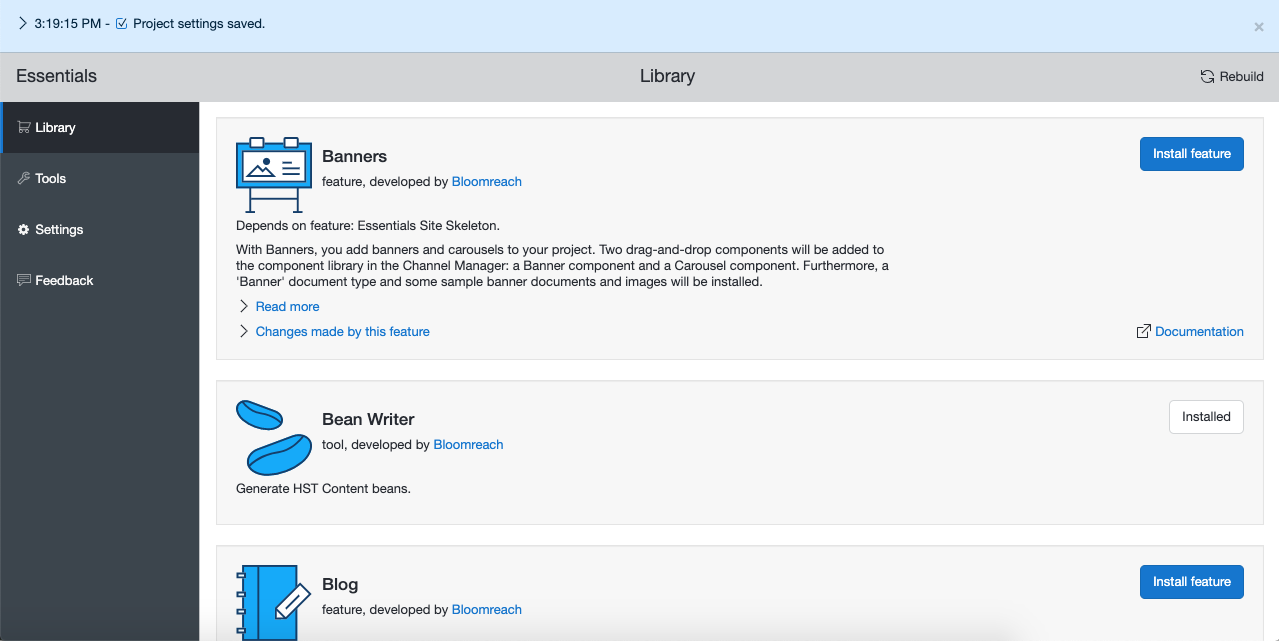
In the Library, you can browse available tools and features. All tools are pre-installed by default. Review the available features and select those you want to add to your project. To install a feature, select the Install feature button. Installed features appear on the Installed features page.
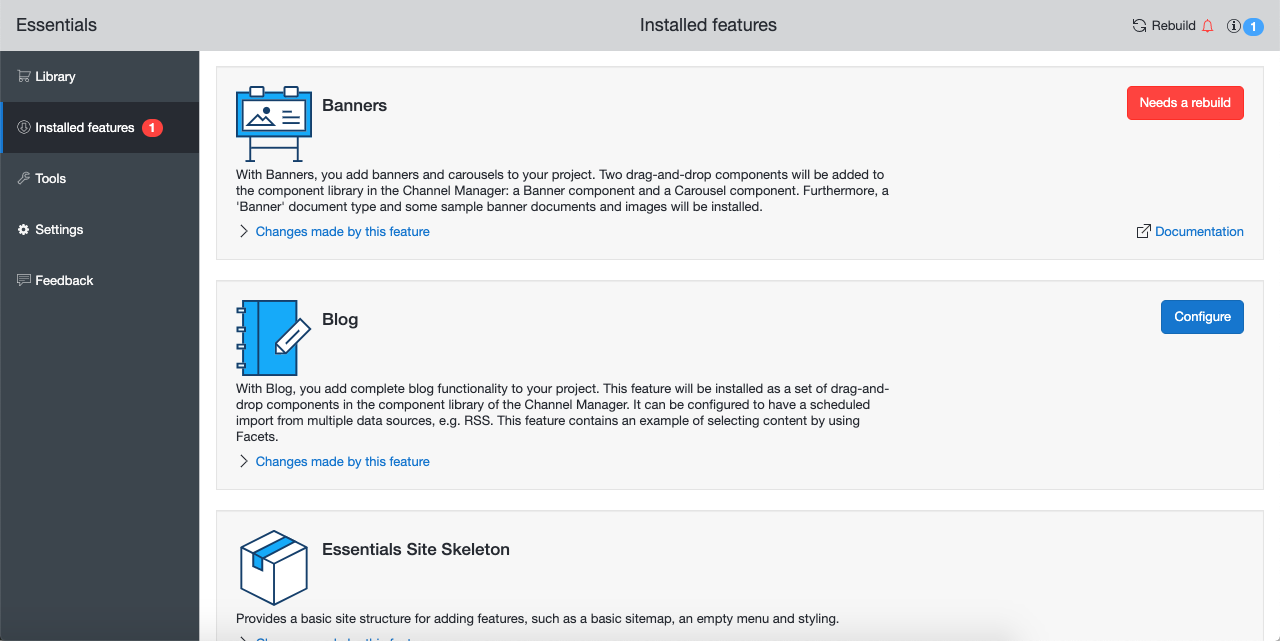
Some features may require additional setup parameters or a project rebuild and restart. The Installed features page, the Installed features menu item, and the dashboard's upper right corner indicate when a rebuild is required.
Info: You do not need to rebuild and restart the project after installing each feature. Install all desired features first. When all features are installed or indicate a rebuild is needed, rebuild the project.
If you access your site before rebuilding, you may encounter issues due to a mismatch between the repository state (changed) and the web application state (not yet updated). After rebuilding and restarting, the states will be synchronized.
Feature Not Found?
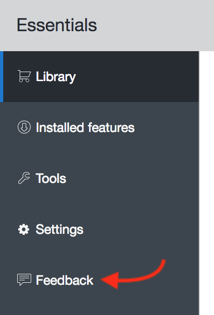
If you cannot find a plugin that matches your requirements, use the built-in Feedback mechanism to request new functionality.
If no plugin is available for your needs, you can implement the feature directly in your project using the technical documentation and instructions. If you believe the feature would benefit other projects, consider building a plugin.