Install the URL Rewriter Enterprise Add-on
Info: The URL Rewriter Enterprise Add-on requires a standard or premium Bloomreach Content license. Contact Bloomreach for licensing details.
You can add the URL Rewriter Enterprise Add-on to your Bloomreach Content implementation using the Essentials setup application.
Prerequisites
- An enterprise Bloomreach Content project with the Essentials setup application
- Access to the Bloomreach Content Enterprise Maven repository
Installation Steps
- In the Essentials Project setup screen, select the Enterprise features checkbox to display the URL Rewriter feature.

- In the Essentials feature library, add the URL Rewriter feature to your project.
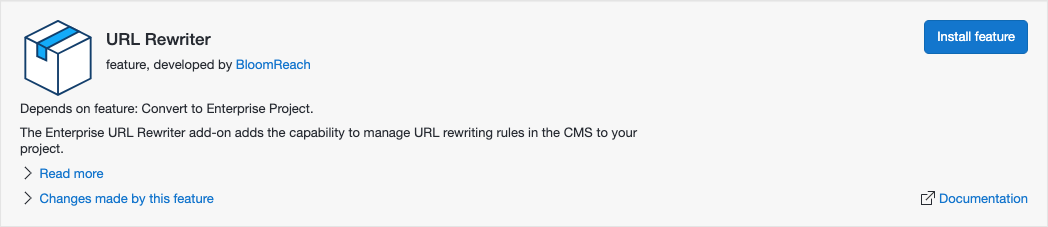
- Rebuild and restart your project.
Effect on the Project
When you complete these steps:
- If your project is not already an Enterprise project, Essentials converts it to one.
- The required library dependencies are added to the
cmsandsitemodules. These dependencies ensure the add-on is installed with default configuration at bootstrap. - The
web.xmldescriptor in thesitemodule is updated to apply URL rewriting rules to incoming requests. - A Spring configuration file is added to the
sitemodule to ensure that changes to rules or global configuration are applied.
For a detailed summary of all changes Essentials makes, see the Changes made by this feature section for URL Rewriter in Essentials.