Select Out-of-the-Box Features
Previous Step
Before proceeding, ensure you have created your project, built, and run it.
Info: The instructions below assume your project uses the groupId
org.exampleand the artifactIdgogreen.Define value for property 'groupId': org.example: : Define value for property 'artifactId': myproject: : gogreen Define value for property 'version': 0.1.0-SNAPSHOT: : Define value for property 'package': org.example: : Define value for property 'gitignore': .gitignore: : Define value for property 'projectName': My Project: : GoGreen Confirm properties configuration: groupId: org.example artifactId: gogreen version: 0.1.0-SNAPSHOT package: org.example gitignore: .gitignore projectName: GoGreen Y: :
Add Out-of-the-Box Features
-
Open the Essentials Setup Dashboard in your browser at http://localhost:8080/essentials/.
-
On the
Essentials Setuppage, keep the default project settings.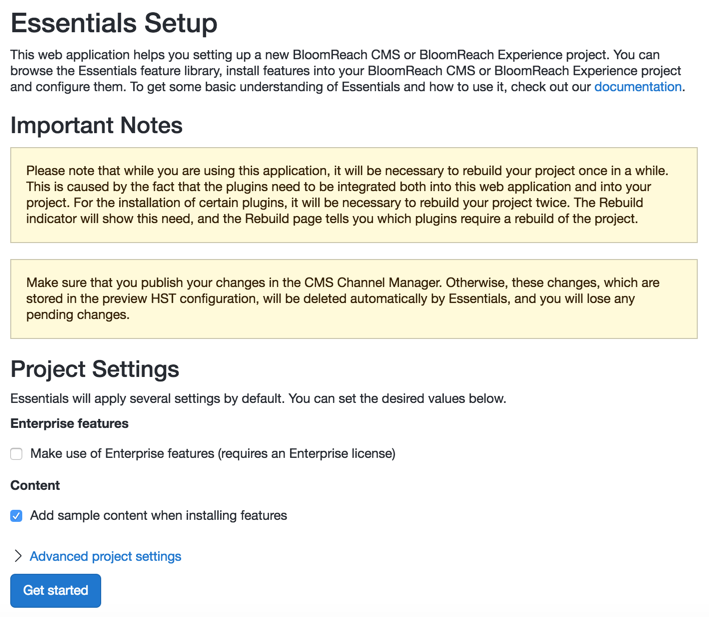
-
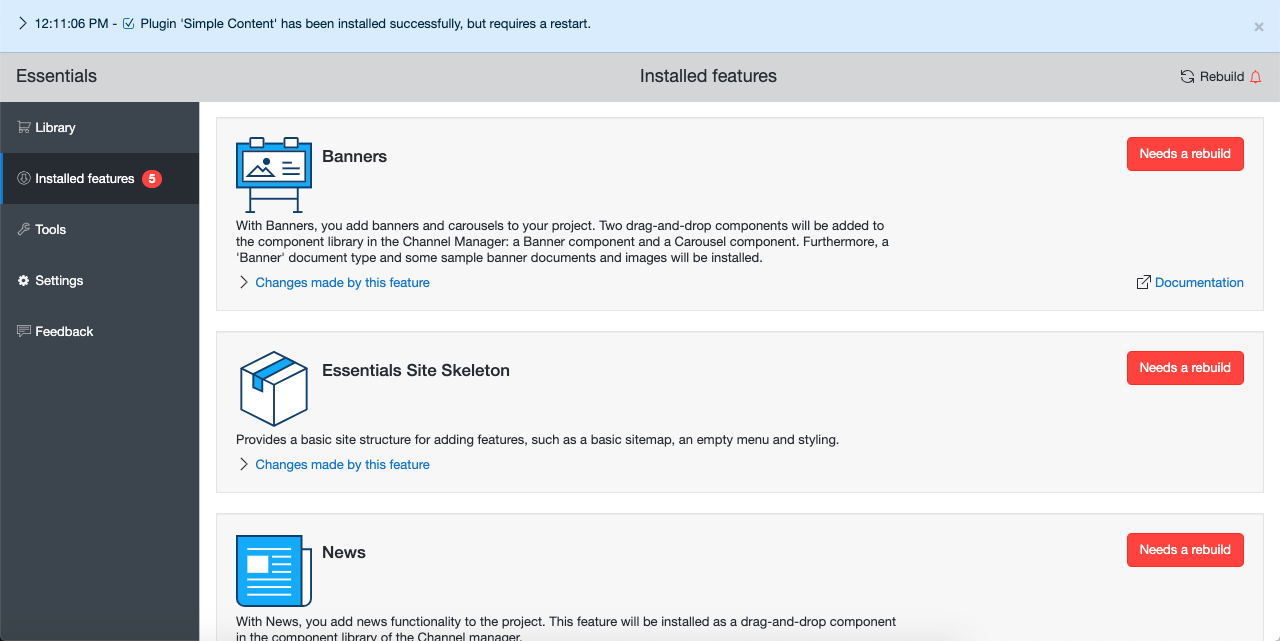
In the Library section, add the following features:
- Banners
- News
- Search
- Simple Content
-
Rebuild your project.
-
Restart the application.
-
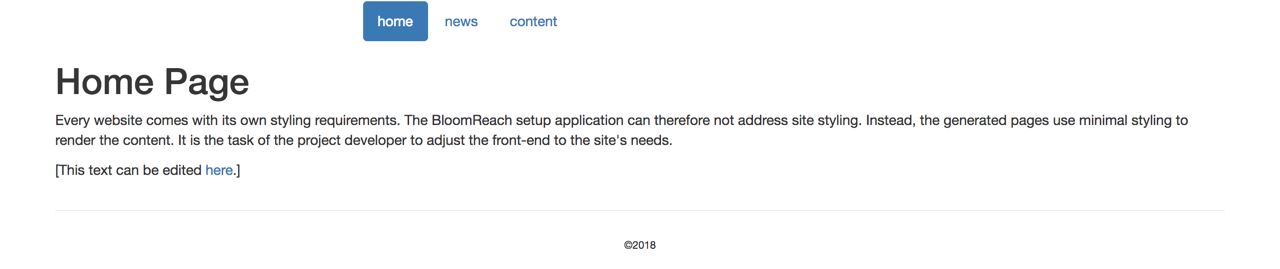
Verify that your website is available at http://localhost:8080/site/. The out-of-the-box features you selected provide initial functionality for your project. The site will not yet match the GoGreen design; you will customize the appearance in a later step.