Configure Commerce Connector
Info: This feature requires a standard or premium Bloomreach Content license. Contact Bloomreach for licensing details.
Overview
Bloomreach Commerce Accelerator applications use commerce connector set configurations to communicate with commerce backend services. These configurations are managed in the CMS and define all required parameters for invoking and exchanging messages with supported commerce platforms.
For a detailed explanation of the commerce connector set model, see Commerce Connector Set Model.
Create a Commerce Connector Set Document
Starting with Bloomreach Commerce Accelerator v2, you can define Commerce Connector documents directly. Instead of maintaining multiple connector specifications within a single connector set document, you can now create separate documents for each connector. The commerce-connectors folder is reserved for Commerce Connector documents only.
As described in the Commerce Connector Set Model, each Commerce Accelerator application requires a commerce connector set document in the CMS. If you do not have one, follow these steps to create it:
-
In the CMS, navigate to a folder under the
administrationfolder. -
Add a new
Commerce Connector Setdocument.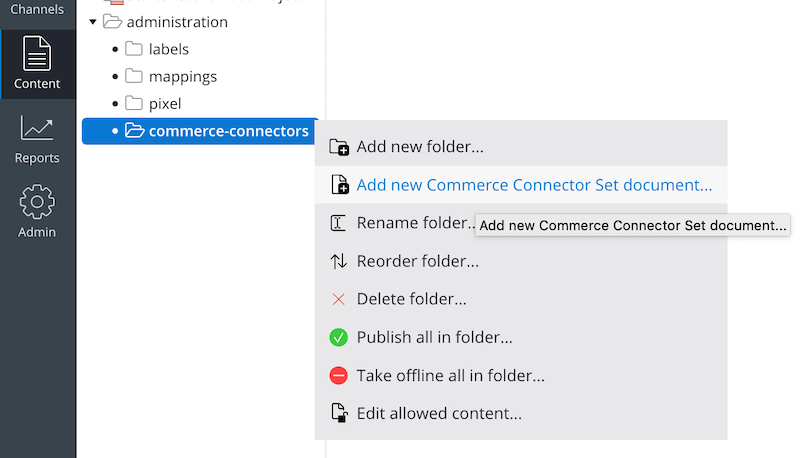
-
Enter a name for the new Commerce Connector Set document and click
OK.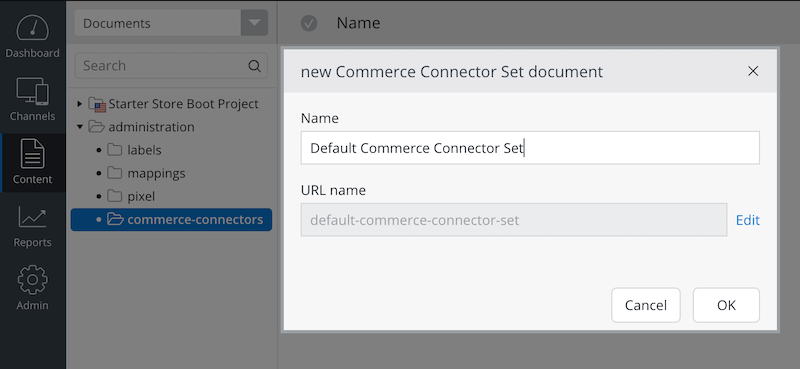
-
Edit the Commerce Connector Set document to configure the required connectors and connector components.
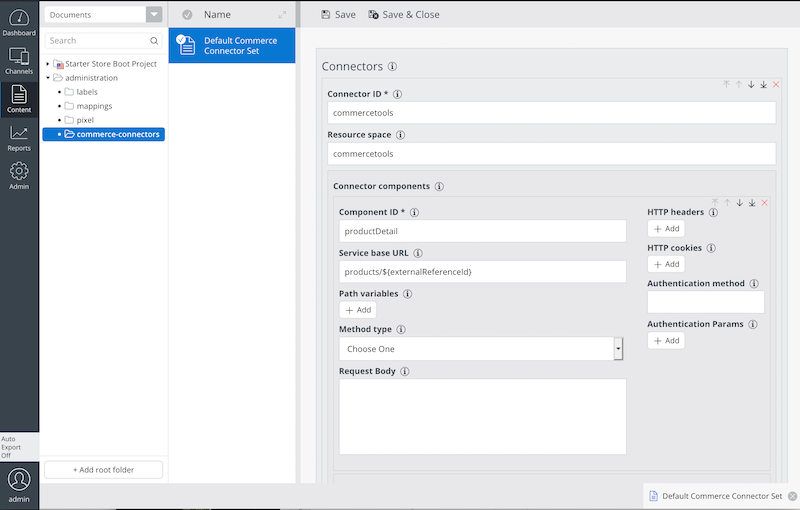
Refer to the Commerce Connector Set Model documentation for configuration details.
Important: After editing your connector and connector component configurations, publish the Commerce Connector Set document. Unpublished changes will not be available to delivery applications.
Link the Connector Set Document in Channel Settings
You must link the Commerce Connector Set document to your delivery channel. This enables the delivery application to access the correct connector set model at runtime.
To link the document:
-
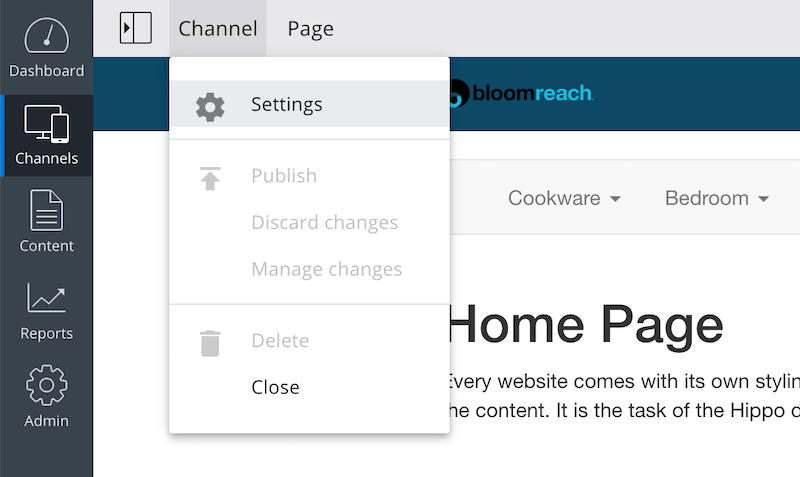
Open the channel settings dialog in the CMS.
-
In the channel settings form, configure both the default Bloomreach Discovery connector and the default Commerce Connector (Commerce Backend Platform) as needed.
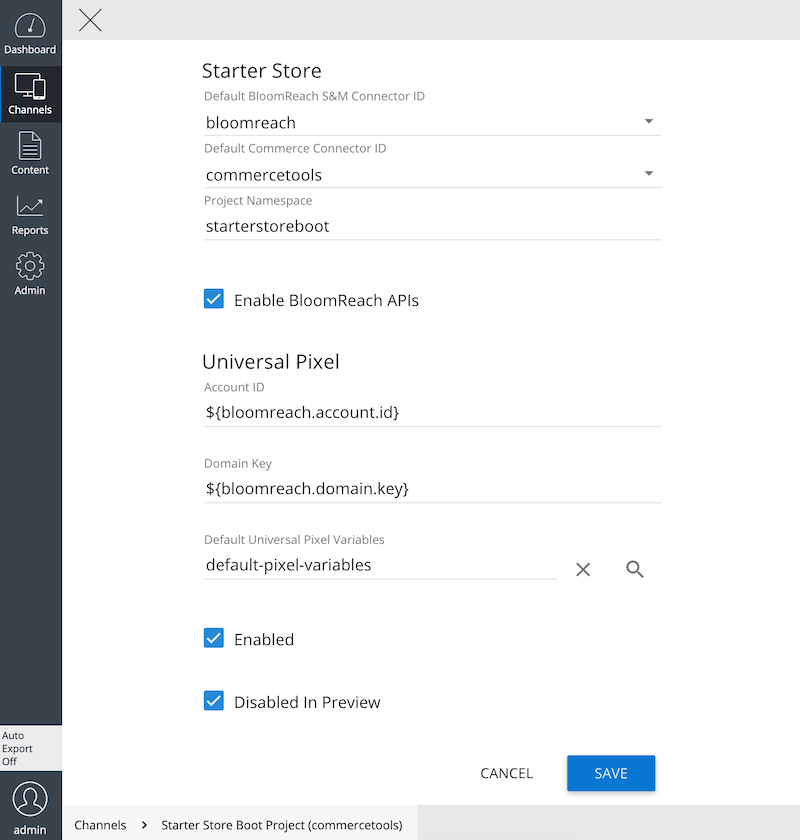
The Bloomreach Commerce Accelerator supports integration with the Universal Pixel Integration Addon. You can configure Starter Store and Universal Pixel settings together in the same channel settings form. For more information, see Configure Universal Pixel Integration Addon.