FAQ: Salesforce Commerce Cloud B2B Connector
Info: This feature in Bloomreach Content requires a standard or premium license. Contact Bloomreach for licensing details.
Why do product variants appear alongside main product items in the product grid or search pages?
Salesforce Commerce Cloud B2B returns product variants as separate items in product search results. This differs from platforms like commercetools or ElasticPath, which typically include only main product items and exclude variants from search results.
This behavior is due to the Aggregated Product model in Salesforce Commerce Cloud B2B. Aggregated Products can include variants from multiple products, treating variants as independent entities. In contrast, other commerce platforms usually treat variants as child components of a main product.
As a result, search results from Salesforce Commerce Cloud B2B may list product variants separately.
To display only main product items in the product grid or search results, configure the product grid or search components to use the Bloomreach Discovery connector instead of connecting directly to Salesforce Commerce Cloud B2B. When the product catalog is migrated to Bloomreach Discovery, variants are nested within their main product. Requests to the Bloomreach Discovery connector will then return only main product items in search results.
How can I test my connection or merchant account with Salesforce B2B Commerce?
To verify your connection, ensure the merchant account in your configuration has the required permissions to read the product catalog and price list. You can test the connection using Postman or a similar API client.
Follow these steps:
-
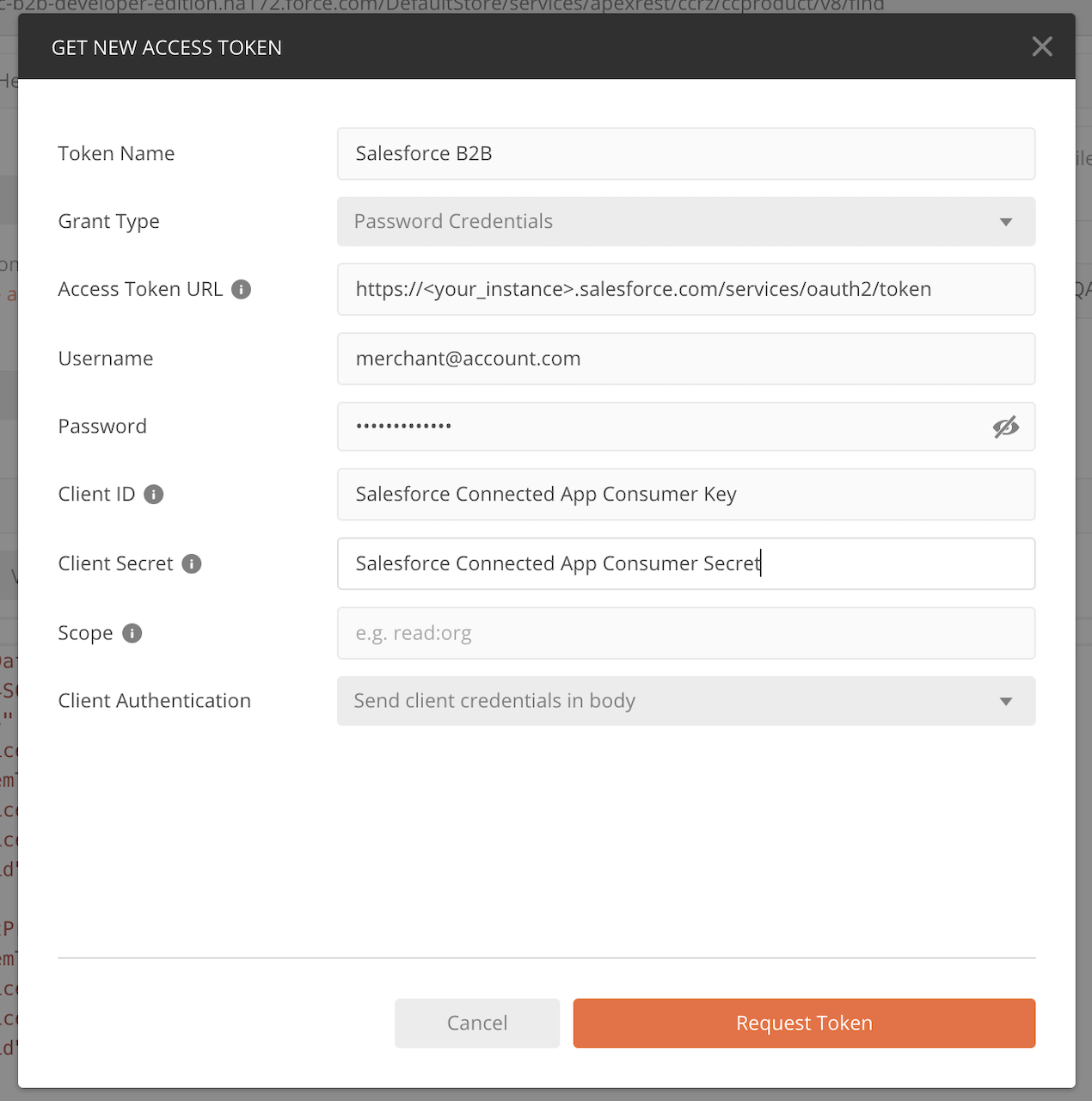
In Postman, create a new Access Token using your Salesforce B2B Commerce credentials.
-
Use the generated Access Token to make the following POST request:
curl --location --request POST 'https://<your_instance>.force.com/DefaultStore/services/apexrest/ccrz/ccproduct/v8/find' \ --header 'Authorization: Bearer <bearer>' \ --header 'Content-Type: application/json' \ --header 'Cookie: BrowserId=BCS37J4lEeq8M2s-9G_JyA' \ --data-raw '{"LOCALE":"en_US","SORTDESC":true,"PRODUCTLIMIT":12,"INCLUDECOUNT":true,"SEARCHTERM":"<search_term>","ORDERBY":"piOrderByStartDate"}' -
If the request is successful, you will receive a list of products matching the search term.
If you receive an exception, verify that the merchant account is part of an account group with permissions to read the product catalog. Storefront settings may require additional rules. For details on configuring Salesforce permissions, refer to: