Preview a Personalized Component
Info: This feature requires a standard or premium Bloomreach Content license. Contact Bloomreach for licensing details.
You can preview a personalized component in the Experience manager by selecting either a configurable alter ego or a persona associated with a segment.
Prerequisites
- Access to the Experience manager application
- A channel with at least one personalized component
- Defined personas or the intention to use the Alter Ego option
Steps
-
Open the Experience manager application.
-
Select the channel where you want to preview the personalized component.
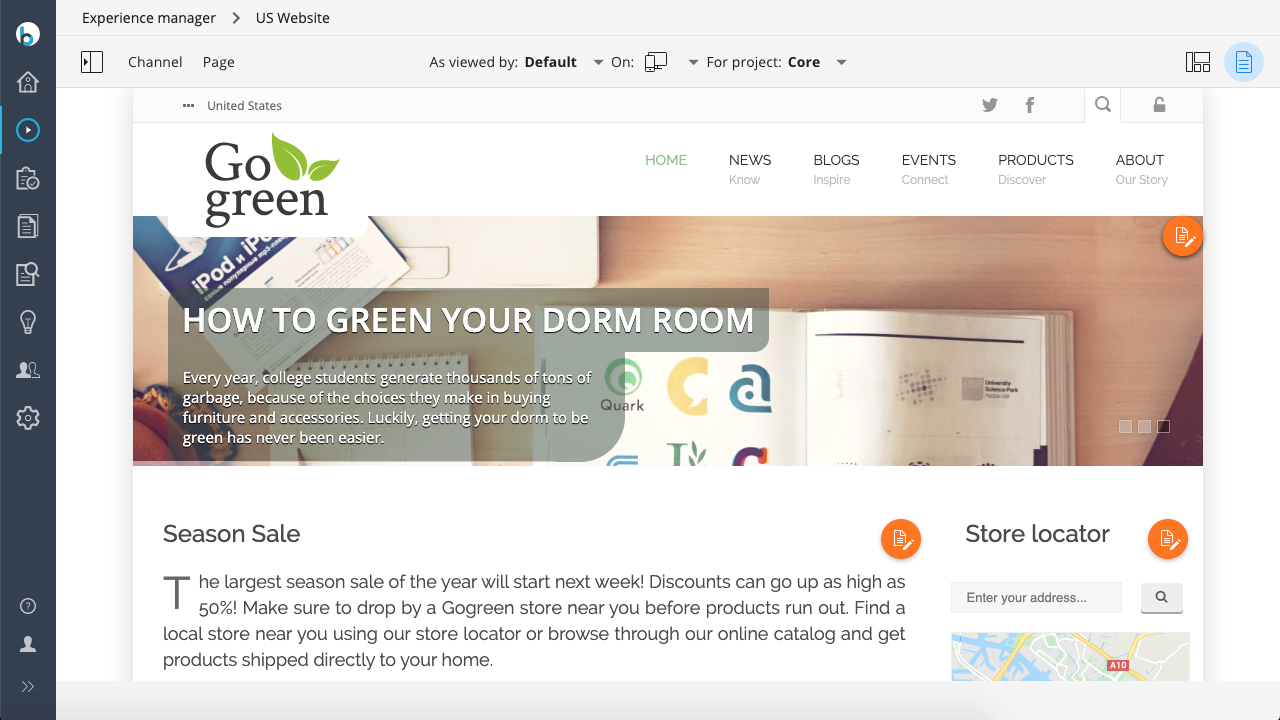
At the top of the screen, you will see
As viewed by: Default. This indicates the channel is shown as a default user with no personalization applied.
-
Navigate to the page containing the personalized component. By default, the component displays its non-personalized version.
-
Click the
As viewed bydropdown. The dropdown includes:DefaultAlter Ego- All personas you have defined
-
To preview as a custom visitor, select
Alter Ego. This option lets you define visitor characteristics for the preview.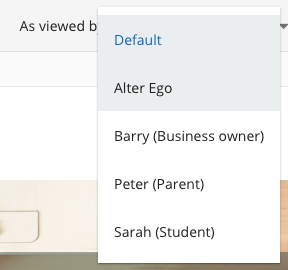
-
In the
Alter Egodialog, select the desired visitor characteristics.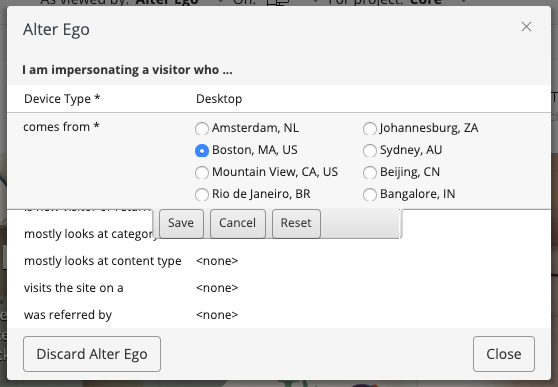
-
Click
Close. The channel preview updates to reflect the characteristics you selected for the Alter Ego. -
Alternatively, select any defined persona from the
As viewed bydropdown to preview the channel as that persona.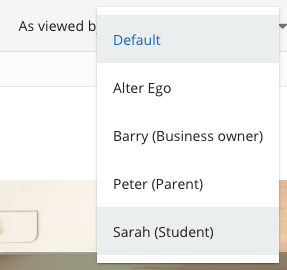
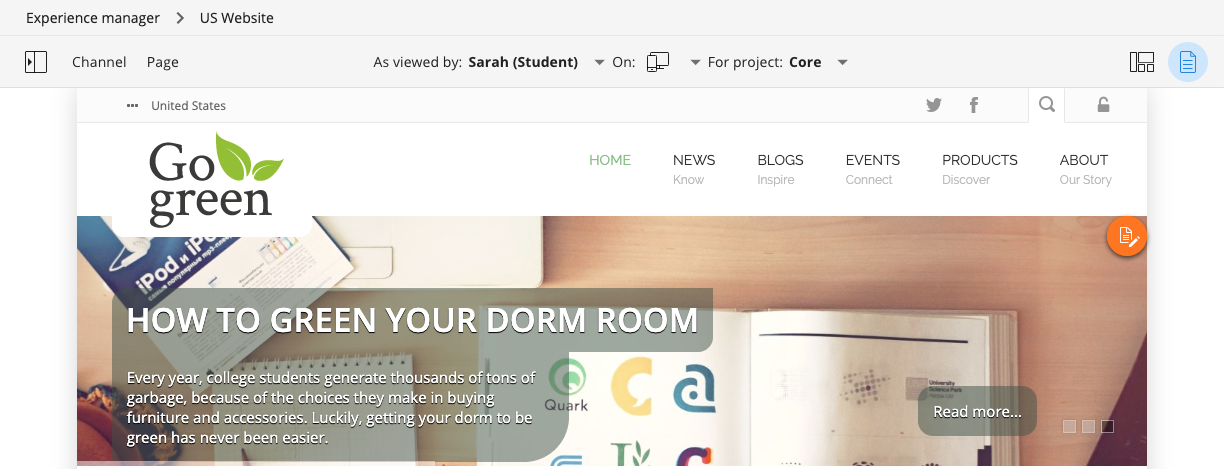
Verification
- The personalized component updates in the preview according to the selected alter ego or persona.
- The rest of the channel reflects the visitor characteristics or persona you selected.