Analyze Visitors
Info: This feature requires a standard or premium Bloomreach Content license. Contact Bloomreach for licensing details.
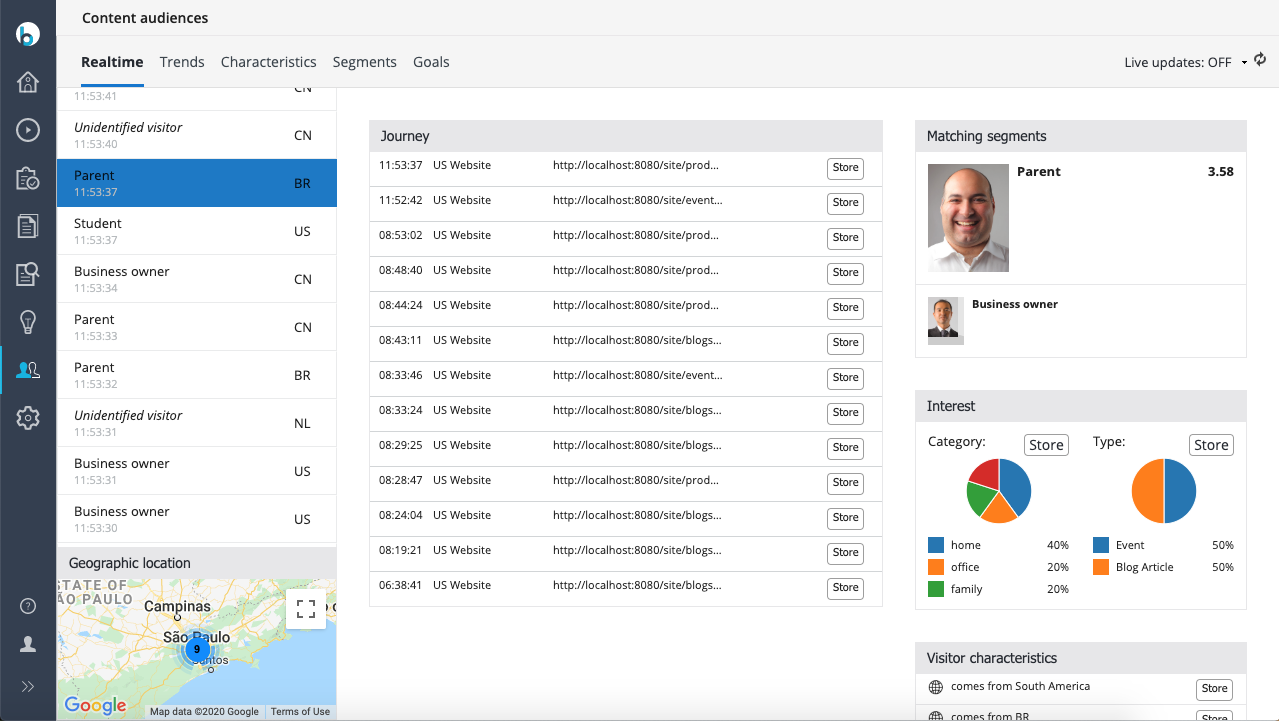
Use the visitor analytics dashboard to review real-time visitor data and segment information for your channels.
Access the Content Audiences Application
- Open the Content audiences application.
- The Realtime tab opens by default.
Refresh and Live Updates
- In the top right, enable live updates by selecting Live updates: OFF.
- To manually refresh the visitor list, select the refresh icon.
Review Recent Visitors
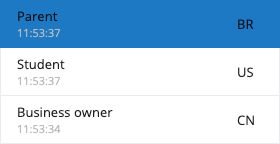
- The left column displays the most recent visitors.
- For each visitor, the dashboard shows:
- The best-matching segment (if available)
- The two-letter country code for their location
Inspect Visitor Details
Select a visitor from the list to view detailed information.
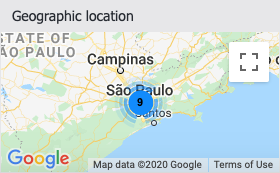
Geographic Location
- The Geographic Location panel (bottom left) displays the visitor's location on a map.
Journey
- The Journey panel (middle column) lists the most recent pages visited by the selected visitor.
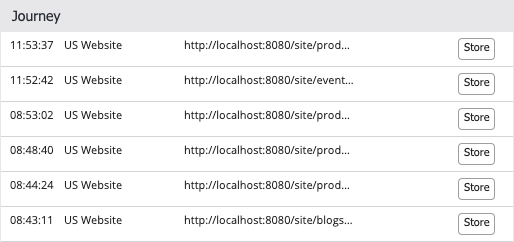
- Use the Store button next to a page to save the visit as a target group for the 'has visited (web page)' characteristic.
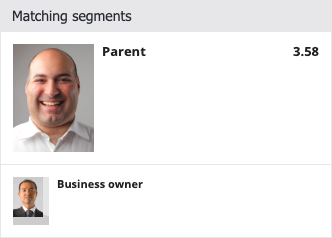
Matching Segments
- The Matching segments panel (top right) displays the segment or segments that the visitor matches.
- If a visitor matches multiple segments, the system selects the best match based on scoring.
Visitor Characteristics
- The Visitor Characteristics panel (bottom right) lists all characteristics identified for the visitor.
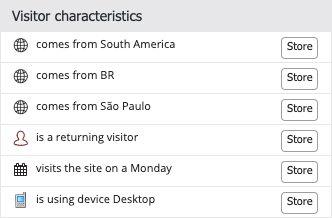
- Use the Store button next to a characteristic to save it as a target group.
Additional Visitor Information
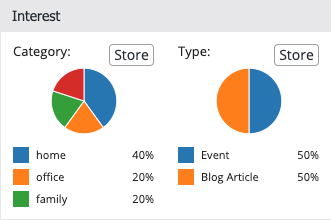
Depending on your Bloomreach Content implementation, the Realtime tab may display extra visitor information, such as Interest categories.