Logging in
To access Bloomreach Content, you need a user account and the login URL provided by your administrator. The login URL typically follows this format:
https://cms.<yourdomain.com>
When you navigate to the login URL, the login screen appears:
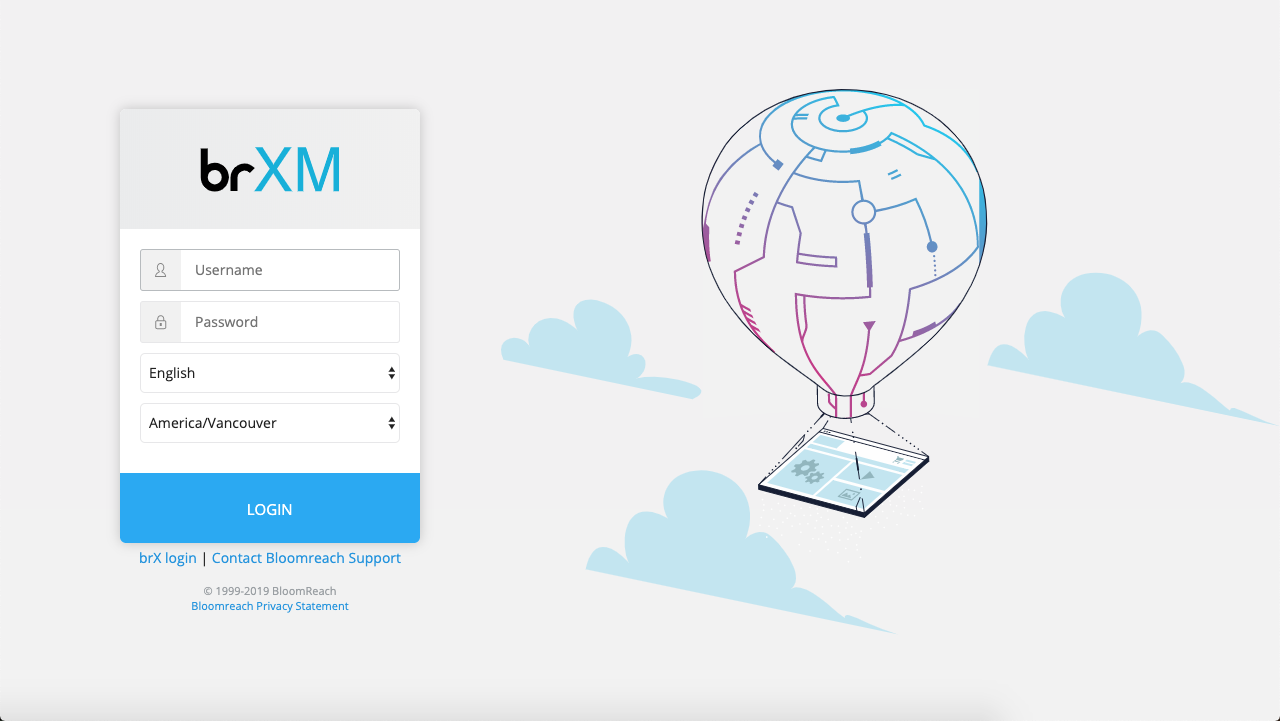
Enter your username and password. Select your preferred language from the available options.
If your Bloomreach Content instance supports multiple time zones, a time zone selector appears on the login screen. The system preselects your local time zone, but you can choose a different one if needed.
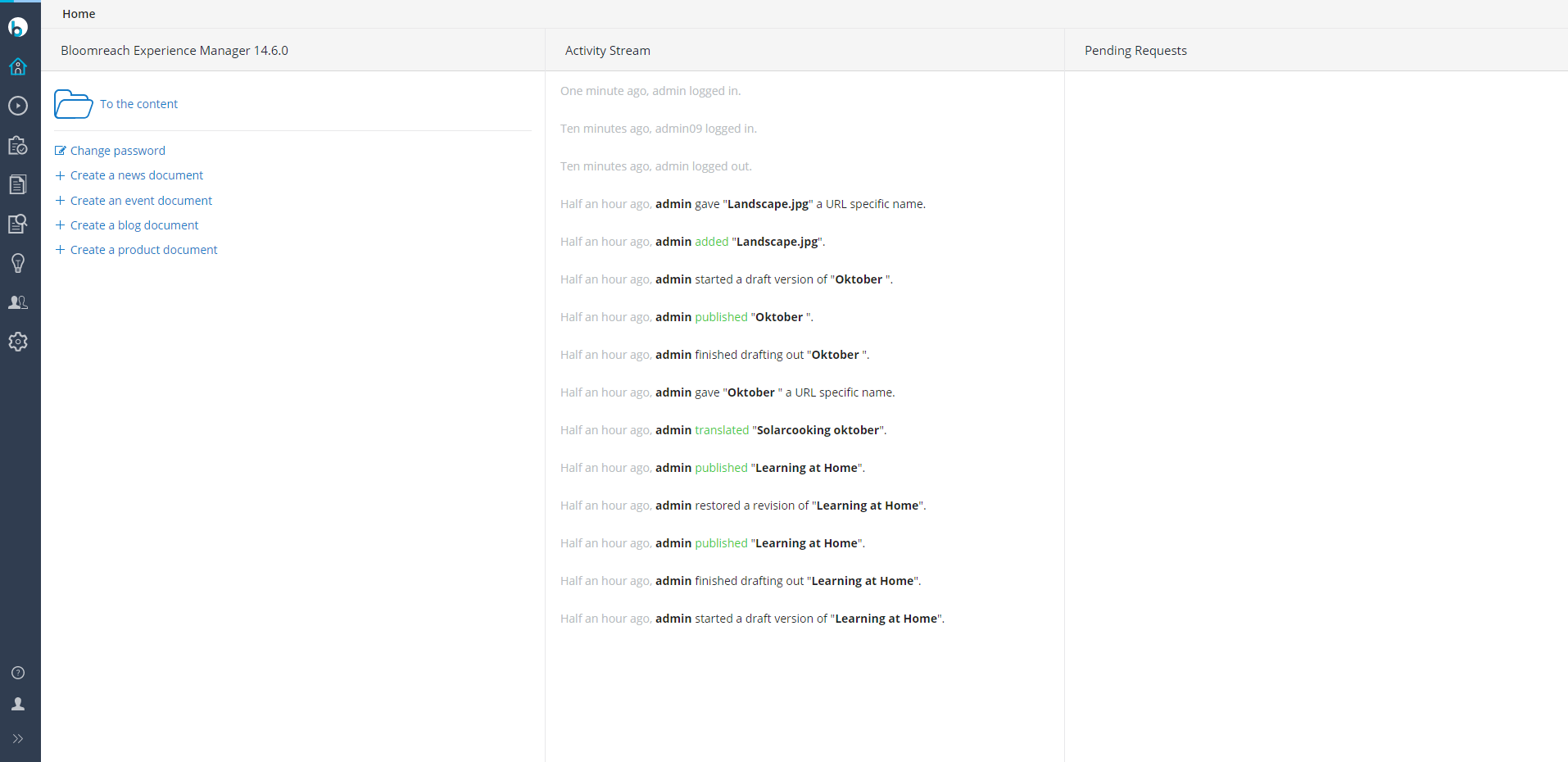
After you log in successfully, the Home application loads:
Important:
Do not log in with the same user account in multiple browser windows or tabs. This can cause unexpected behavior in the CMS. Use only one session per user account in a single browser tab or window.