Customize Advanced Search Document Listing
Info: This feature in Bloomreach Content requires a standard or premium license. Contact Bloomreach for details.
Customizing the Document Listing
You can configure the advanced search grid using the same column providers available for other folder views.
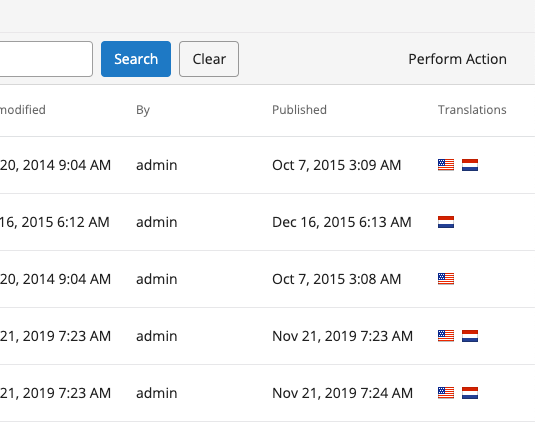
For example, to display the translations column in the advanced search results, add a translationColumns node under /hippo:configuration/hippo:frontend/cms/cms-advanced-search:
/hippo:configuration/hippo:frontend/cms/cms-advanced-search: /translationColumns: jcr:primaryType: frontend:plugin column.id: ${column.id} plugin.class: org.hippoecm.frontend.translation.list.TranslationsColumnProviderPlugin
Add this configuration to the cms-advanced-search plugin cluster.
After you apply this change, the advanced search results will include a new column that displays all available translations for each document: