Make Changes to Core
This page describes how to update the core version of a channel or document while a project is in progress.
Overview
When you edit a channel or document within a project, your changes apply only to the project version. The core version remains unchanged and available for separate modification. This separation allows you to work on long-term updates in a project without delaying urgent changes to the same channels or documents. For example, one user can perform a major revision within a project, while another user can correct and publish a typo in the core version immediately.
Update the Core Version
To modify the core version in the Experience manager:
-
Open the Experience manager.
-
In the
For projectdropdown, selectCore.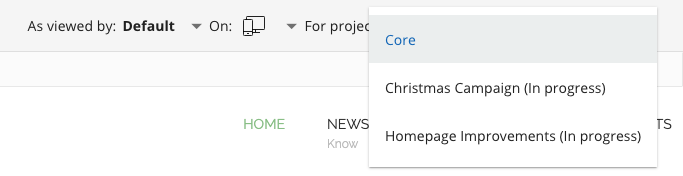

You can now update the core version of the channel and any document editable in the Channel Editor.
To edit the core version of a document in the Document Editor:
-
In the menu bar, select
Corefrom the dropdown.
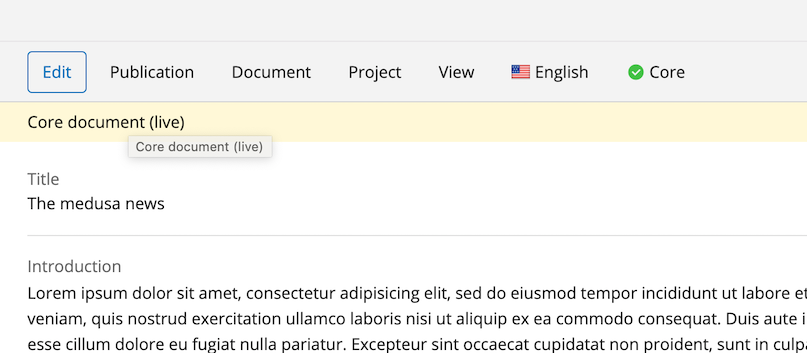
You can now edit and publish the core version of the document.