Request a Review of a Project
Info: This feature in Bloomreach Content requires a standard or premium license. Contact Bloomreach for details.
This page explains how to request a review of the changes included in a project.
Prerequisites
- You have access to the
Projectsapplication. - All channel changes in the project are submitted.
- No documents in the project are currently in use (locked).
Steps
-
In the
Projectsapplication, select the project you want to submit for review.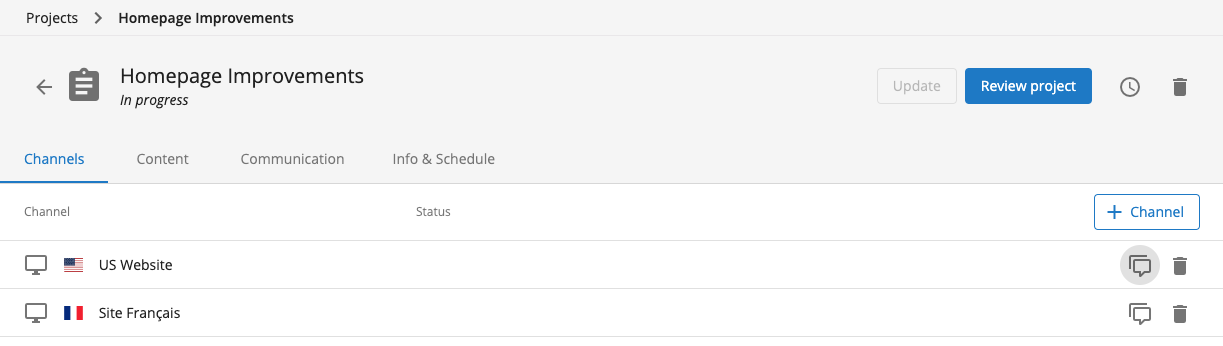
-
If the project meets the prerequisites, the
Review projectbutton appears enabled in the top right corner.- The button is only enabled if all channel changes are submitted and no documents are locked.
- If needed, update your project before submitting it for review.
-
Click the
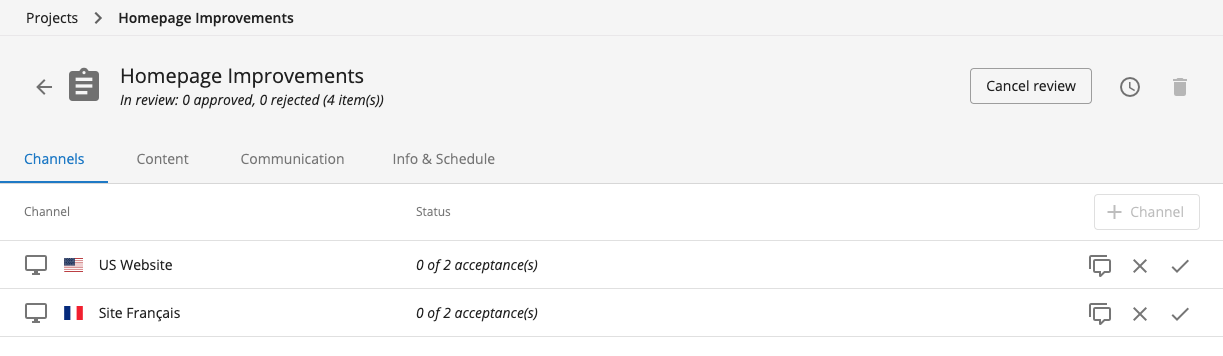
Review projectbutton to submit the project for review.- The project status changes to ‘in review’.
- While in review, you cannot make additional channel or content changes in the project.
- To make further changes, click the
Cancel reviewbutton to return the project to the ‘in-progress’ state.
Review Process
-
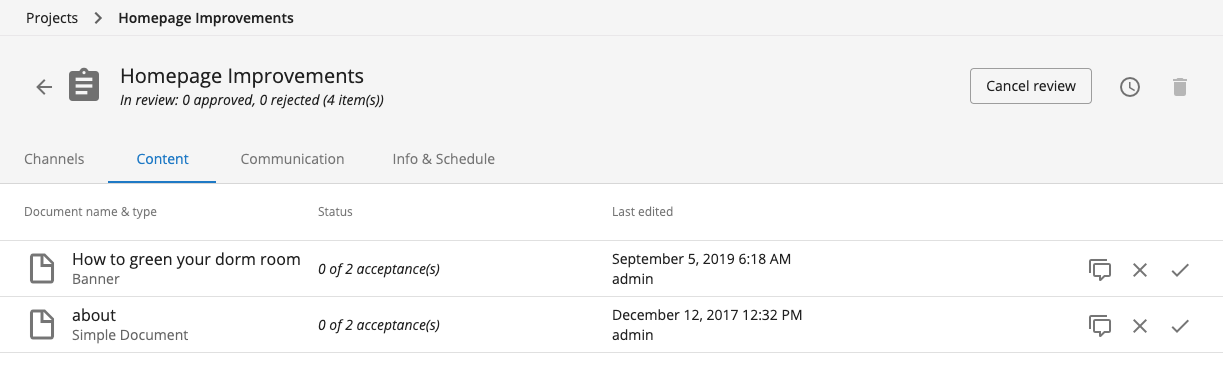
After submitting a project for review, each channel and each content change requires two acceptances.
Verification
- Confirm that the project status is ‘in review’.
- Check that no further changes can be made until the review is complete or canceled.
- Monitor acceptance counts for each channel and content change.