Use Large Font Size for a Document Field
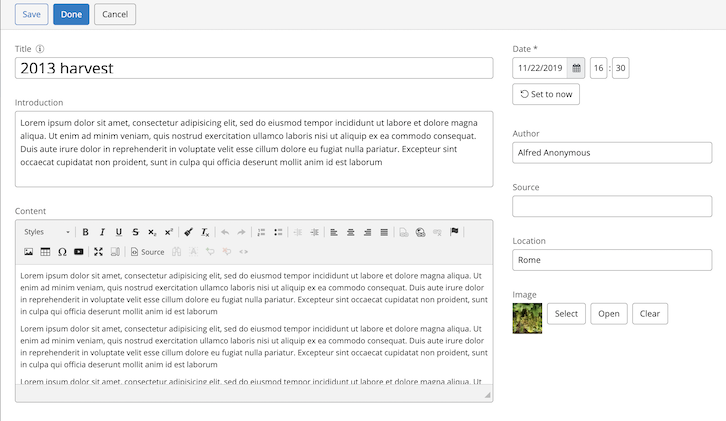
You can increase the font size of a document field in the editor by applying the CSS class hippo-editor-large to that field.
To configure a larger font size for a specific field:
- In the field plugin configuration under the editor cluster of your document type, add the multi-valued string property
wicket.css. - Set the value to
'hippo-editor-large'.
Example configuration:
/hippo:namespaces: /<my-namespace>: /<my-document-type>: /editor:templates: /_default_: /<field-name>: wicket.css: [ 'hippo-editor-large' ]
When configured, the document editor displays the specified field with a larger font size: