Advanced Compound Type Fields Configuration
Overview
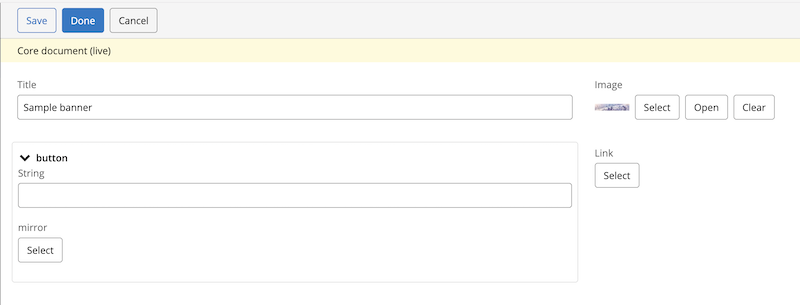
Bloomreach Content allows you to use fields of the compound type in document types. By default, the editor displays each compound field with its field name as the section title and enables collapsible functionality. In some cases, you may want to hide the compound field’s title and disable collapsing to reduce vertical space in the editor.
Configuration Steps
To change the display of a compound field, use the Console:
- Navigate to
/hippo:namespaces/<project-name>/<document-type>/editor:templates/_default_/<compound-field-name>/cluster.options - Add a Boolean property named
hideCompoundName. - Set
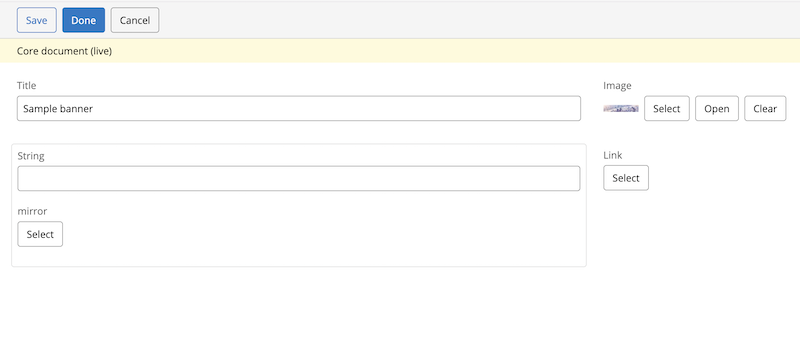
hideCompoundNametotrueto hide the compound field’s title and disable the collapsible functionality.
The following configuration disables the default display:
hideCompoundName: true
Result
The screenshots below show the difference between the default compound field display and the display after enabling hideCompoundName.