Reusable Field Groups
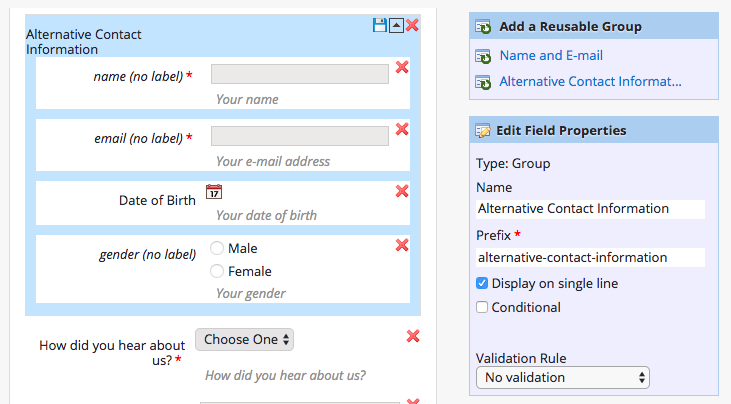
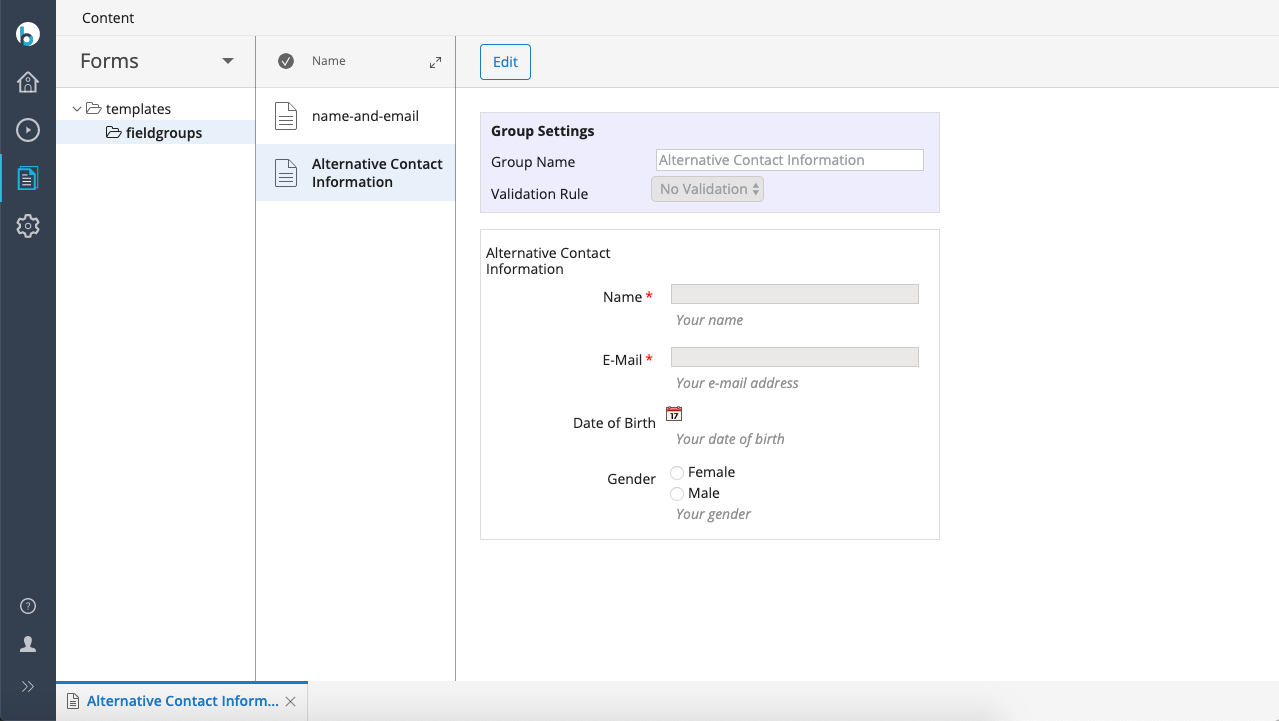
Enterprise Forms lets you create reusable groups of form fields. When you define a field group within a form, you can save it as a field group template by selecting the disk icon in the upper-right corner. After saving, the field group template appears in the Add a Reusable Group section on the right side of the form editor. You can then add this reusable group to any form.