Modernizing Wicket Applications
Overview
Bloomreach Content is transitioning from legacy Wicket-based applications to modern applications built with current web technologies. This modernization improves performance, user experience, and interface usability.
This page describes the modernized applications, how to configure them, and the transition process.
Apps 2.0 Overview
Apps 2.0 are updated versions of Bloomreach Content applications, rebuilt with modern web technologies. During the transition, both Apps 2.0 and legacy applications are available. You can switch between versions as needed.
Currently, the following are available:
- Homepage 2.0
- Apps 2.0 Configuration UI for managing the transition
Applications 2.0 Configuration UI
The Applications 2.0 Configuration UI allows administrators to control which application versions are available to users. Access this interface from the Setup menu. Only admin users can access this configuration.
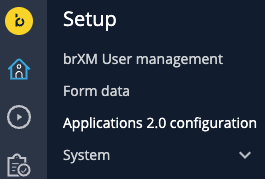
By default, both Apps 2.0 and legacy versions are enabled. For each application, you can:
- Enable or disable the App 2.0 version
- Enable or disable the legacy version
- View the application name and description
At least one version must remain enabled at all times.
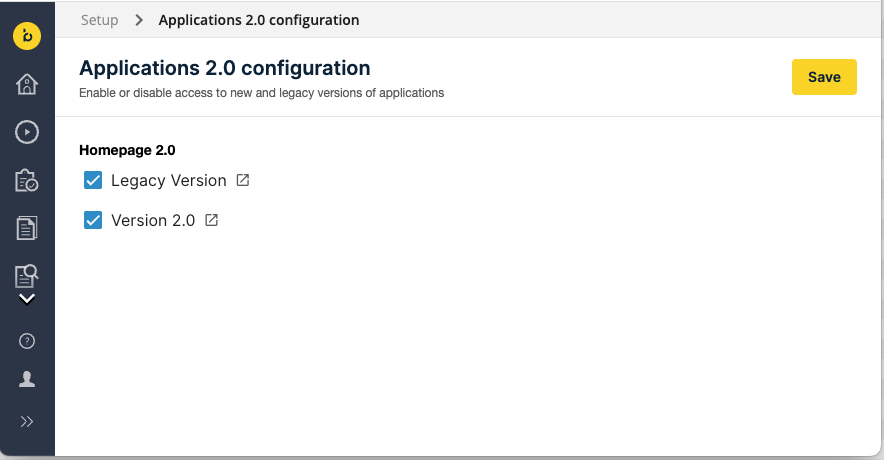
The configuration UI supports scenarios such as:
- Testing new features
- Gradual rollout of changes
- Migrating or adapting custom code to the new application version
Default Behavior System Property
To disable Apps 2.0 by default when the CMS starts, set the system property apps2.new.apps.disabled=true during CMS initialization. Admin users can enable Apps 2.0 later through the configuration UI.
Home 2.0 Dashboard
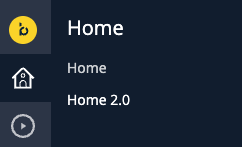
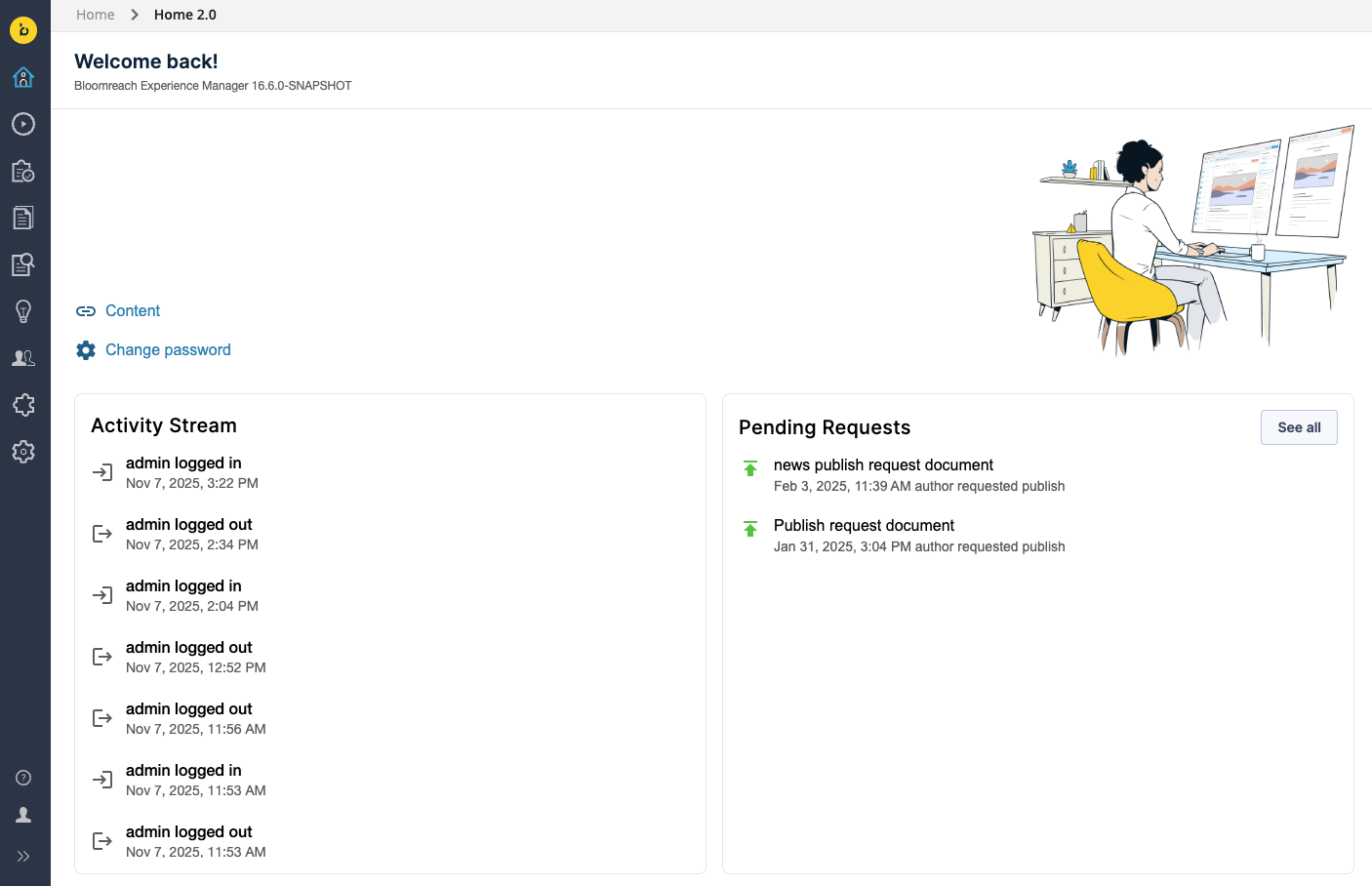
Home 2.0 is the modernized homepage, accessible from the Home menu.
- If both legacy and new versions are enabled, the legacy homepage displays by default after login. You can access Home 2.0 from the menu.
- If only the new version is enabled, Home 2.0 displays immediately after login.
Release Strategy
When an App 2.0 is released:
- Both the new and legacy versions appear in the navigation menu and are enabled by default.
- Users can switch between versions and provide feedback on the new application.
The legacy version will be marked as deprecated in the next major release. It will continue to receive critical bug fixes and security updates during this period.
In the following major release, the legacy version will be removed from the codebase. Only the App 2.0 version will remain.
Customizing Wicket Applications
If you have customizations built on Wicket-based applications, you must adapt your codebase during the transition. Bloomreach provides alternative approaches for customization. Open UI Extensions offer integration points for adapting customizations to Apps 2.0. For use cases not currently supported, Bloomreach will provide additional alternatives. During the transition, migrate your customizations to these new approaches to ensure compatibility with the modernized applications.