How to Sign Up for a Bloomreach Content Documentation Account
Overview
This guide explains how to register for a Bloomreach Content documentation account. An account is required to access restricted documentation pages available only to Bloomreach partners and customers.
When to Use
Register for a documentation account if you work for a Bloomreach partner or customer organization and need access to restricted documentation. Most documentation is public, but some pages require authentication.
Prerequisites
-
You must have an email address associated with a Bloomreach partner or customer organization.
-
Your organization's email domain must be on Bloomreach's allowlist.
Registration Steps
-
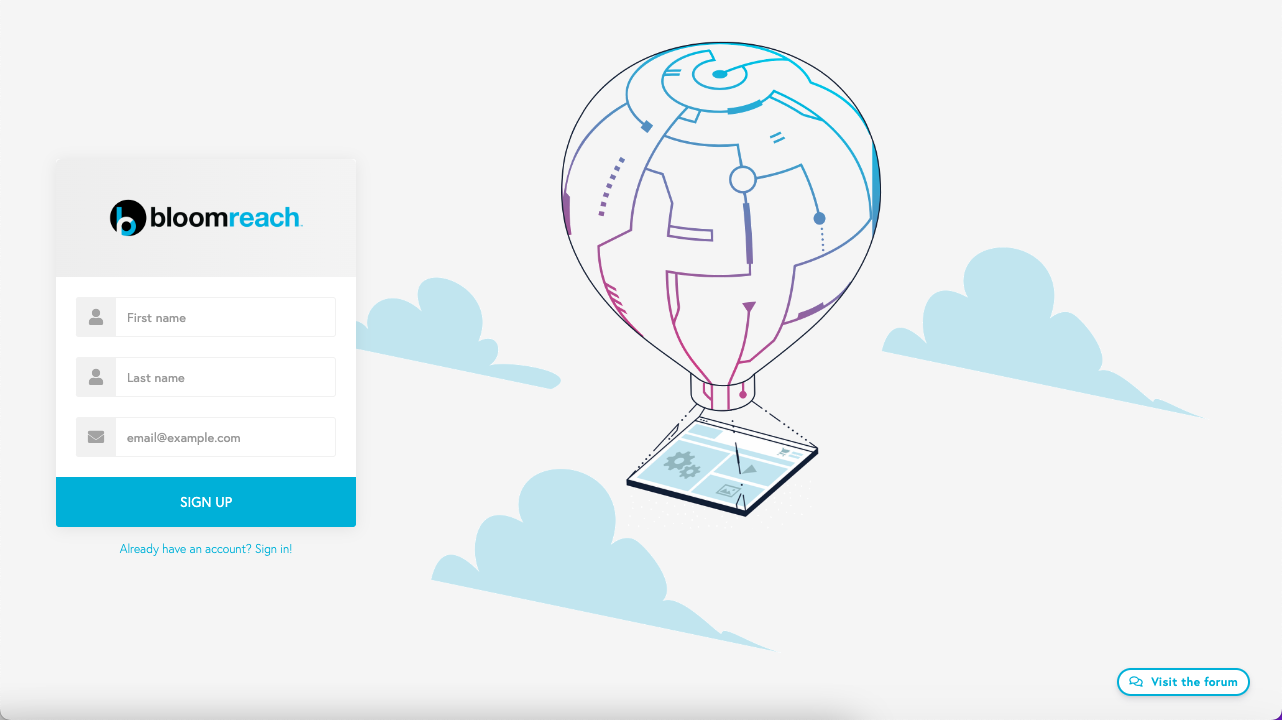
Go to the documentation account sign-up form:
https://xmdocumentation.bloomreach.com/signup
-
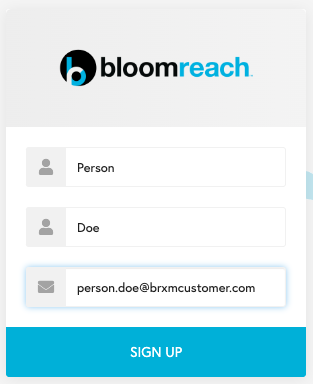
Enter your first name, last name, and your organization email address. The system checks your email domain against an internal allowlist for eligible organizations.
-
Select
SIGN UP. The system verifies your email domain and checks if an account already exists for your email address. If eligible and no account exists, a new documentation account is created. Account details are sent to your email address.Note: After submitting the form, you will be redirected back to the sign-up form regardless of success. The browser does not display a confirmation message.
-
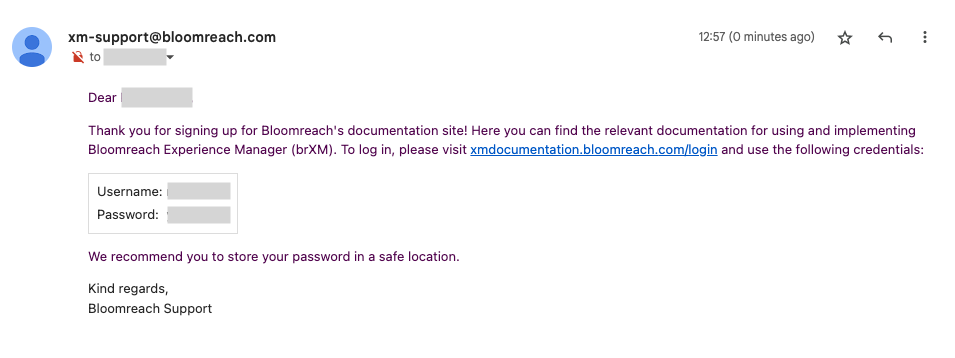
Check your email inbox for a message from
xm-support@bloomreach.com
with the subject User account for xmdocumentation.bloomreach.com. This email contains your username and password.
Verification
-
You have received an email with your Bloomreach Content documentation account username and password.
-
You can log in to restricted documentation pages using these credentials.
Troubleshooting
I signed up but did not receive an email with my account information
-
Confirm that you entered the correct email address.
-
Check your spam or junk folder for the email.
-
If you still do not receive the email, contact Bloomreach support for assistance.
Can I change my username or password?
Currently, you cannot change your assigned username or the autogenerated password. Use the credentials provided in the registration email.