Channel Locking
Channel settings (channel info) participate in the preview and live configuration cycle only when the hst:channel node is located under the hst:workspace node in the non-inherited HST configuration for the current channel. If the hst:channel node is not under the hst:workspace for the channel configuration, channel settings in Experience manager are read-only.
For example, if the hst:channel node is configured as follows:
/hst:hst: /hst:configurations: /example: /...: /hst:workspace: /hst:channel: /hst:channelinfo:
After a preview is created, the configuration appears as:
/hst:hst: /hst:configurations: /example: /...: /hst:workspace: /hst:channel: /hst:channelinfo: /example: hst:inheritsfrom: ../example /hst:workspace: /hst:channel: /hst:channelinfo:
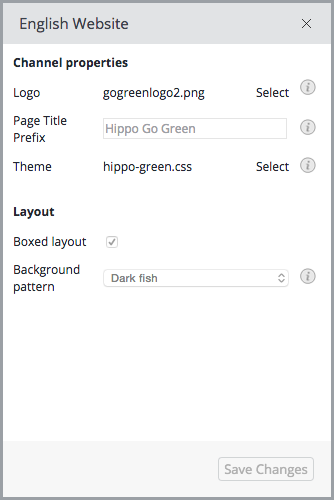
When a user updates channel settings in the Experience manager, the system locks the channel settings for that user. Other users can open the channel settings dialog, but all settings are disabled and cannot be edited:
The lock is released when the user either publishes or discards their changes.