Open UI Page Tools
You can extend the Bloomreach Content UI by adding custom tools for pages in the Experience manager. Each page tool is implemented as an Open UI extension. These tools appear in the right side panel of the Experience manager and run inside an iframe. Use the provided JavaScript library to enable communication between the Experience manager and your page tool.
A page tool can display additional information about the current page in the Experience manager.
For implementation details, see:
By default, only users in the webmaster group can access page tools.
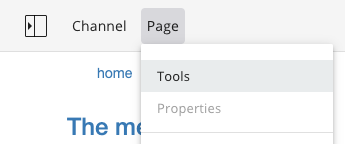
When you configure at least one page tool, a new menu item appears in the Experience manager:
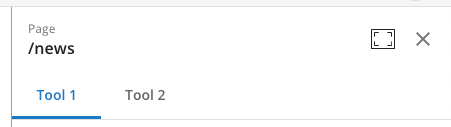
When you select this menu item, the configured tools appear as tabs in the right side panel: