Manage System Users
Overview
Certain CMS user accounts are intended for internal system operations. Examples include a 'site' user, which the HST uses to read content from the repository, and an 'import user', which external applications use to connect to the Hippo Repository for importing content from external systems.
System Users
System users are accounts designated for automated or internal processes. Marking an account as a system user has the following effects:
- System users cannot log in to the CMS or Console applications.
- System users do not appear in the user administration panel, reducing the risk of accidental deletion.
- Passwords for system users do not expire as they do for regular users.
Regular users receive notifications when their passwords are about to expire. System users do not receive such notifications. If a system user account becomes inaccessible due to an expired password, essential system functionality may fail unexpectedly.
Configuration
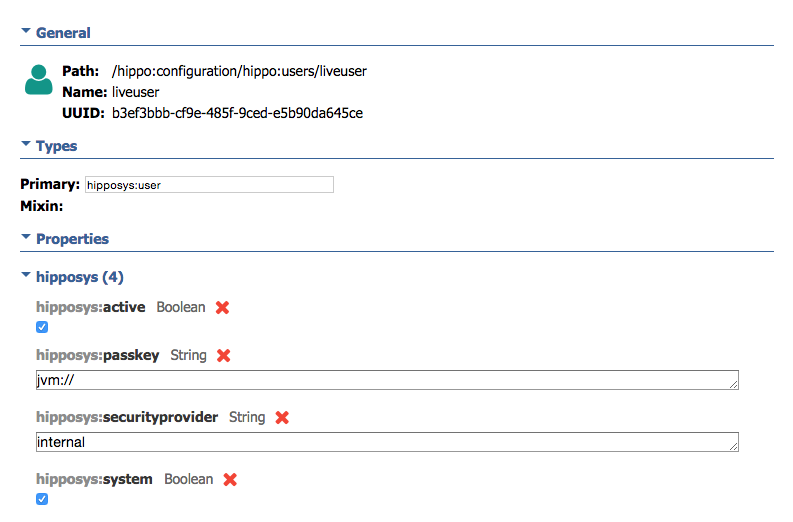
All user accounts are stored in the following JCR folder:
/hippo:configuration/hippo:users/
To designate a user as a system user, set the hipposys:system property to true on the user node.
For additional details, refer to the documentation on user management and group management.