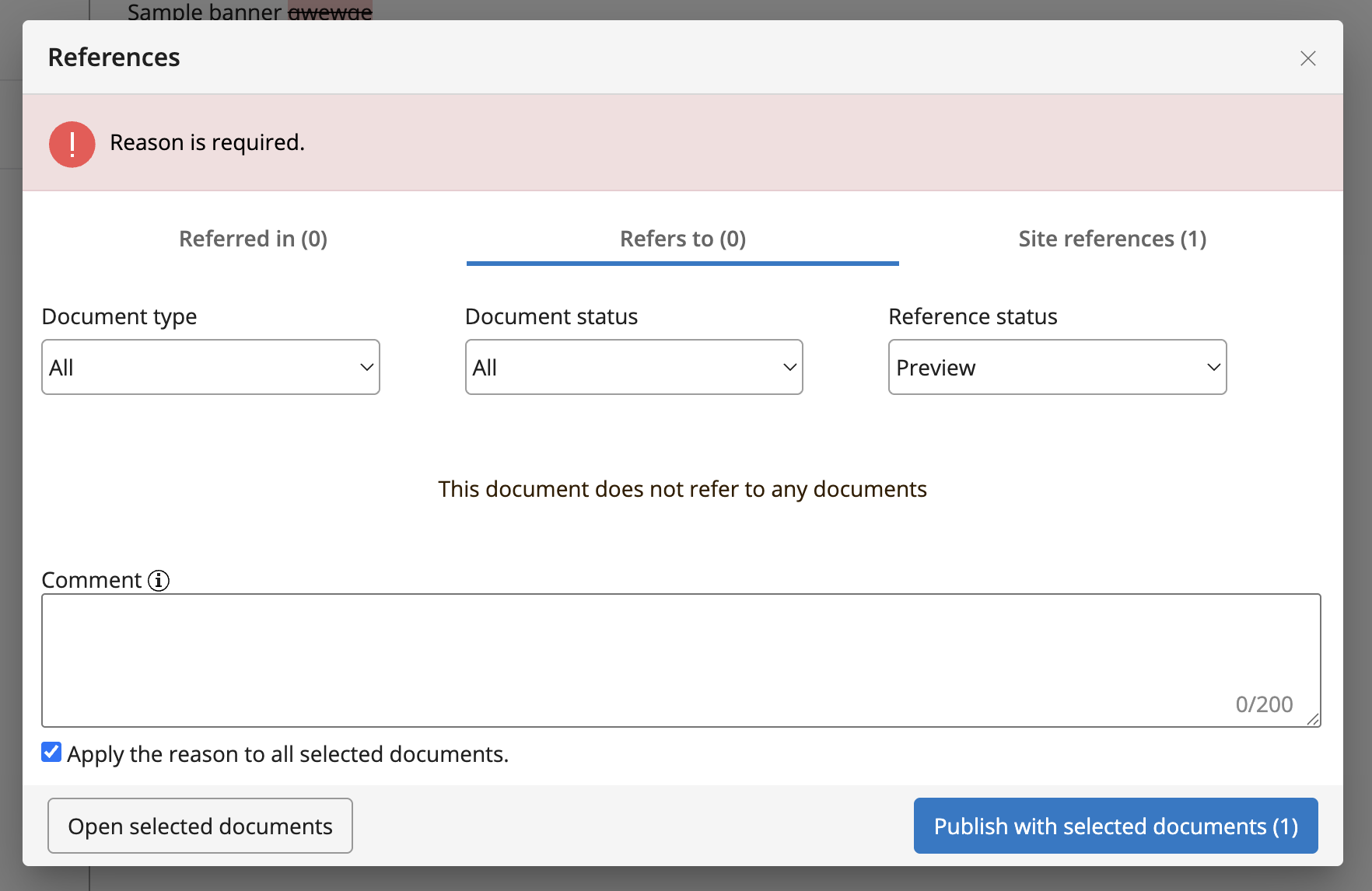
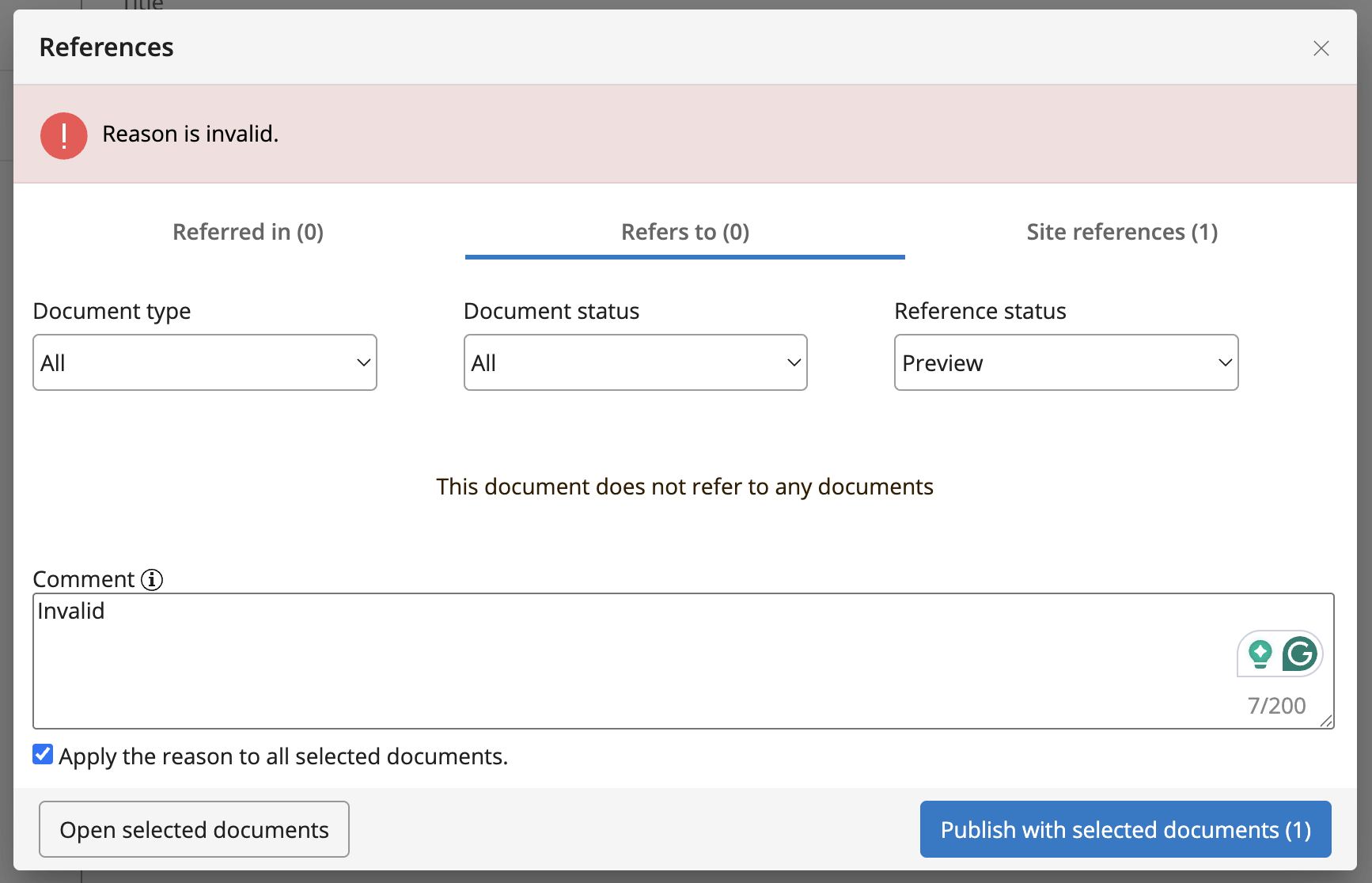
Workflow Commenting Feature
Info: Available in brXM 16.9.2 and later.
The workflow commenting feature allows editors and authors to add comments when publishing or taking documents offline. Use comments to record the reason for workflow actions, supporting audit trails and historical context. This feature is disabled by default and can be enabled as needed. You can configure the comment field's hint label, set a character limit, and provide a custom validator.
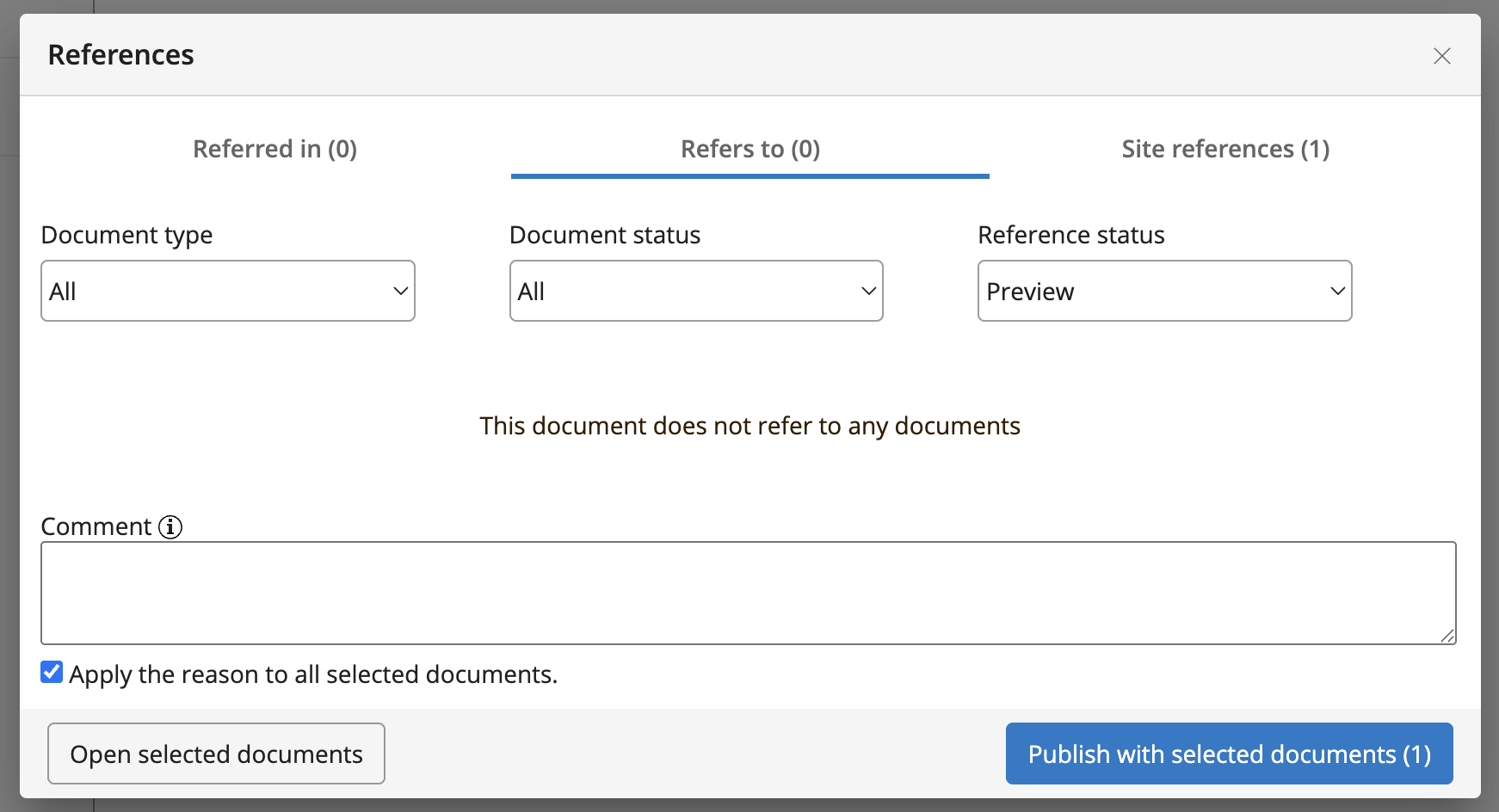
You can apply a comment to a specific document or to all selected documents during a workflow operation.
The UI displays the last relevant comment in a ribbon, depending on the document's state (published or offline).
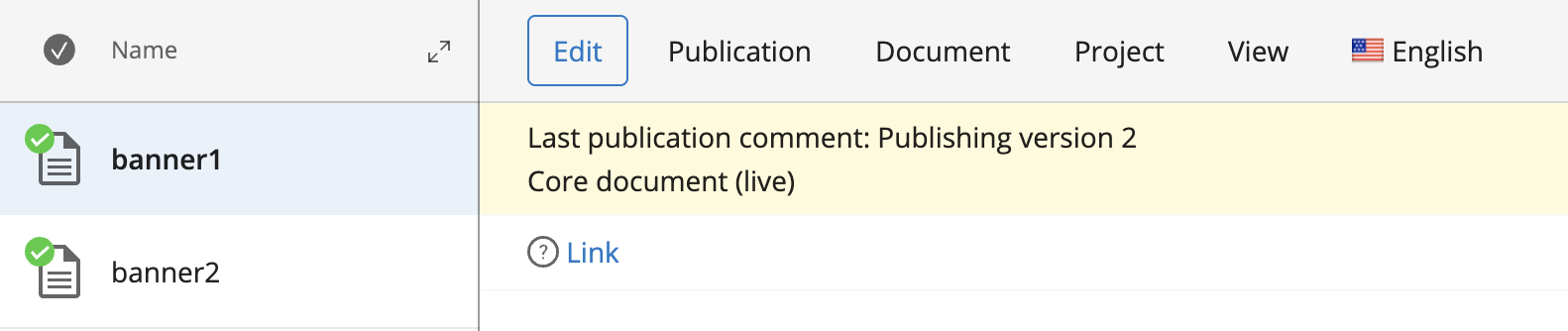
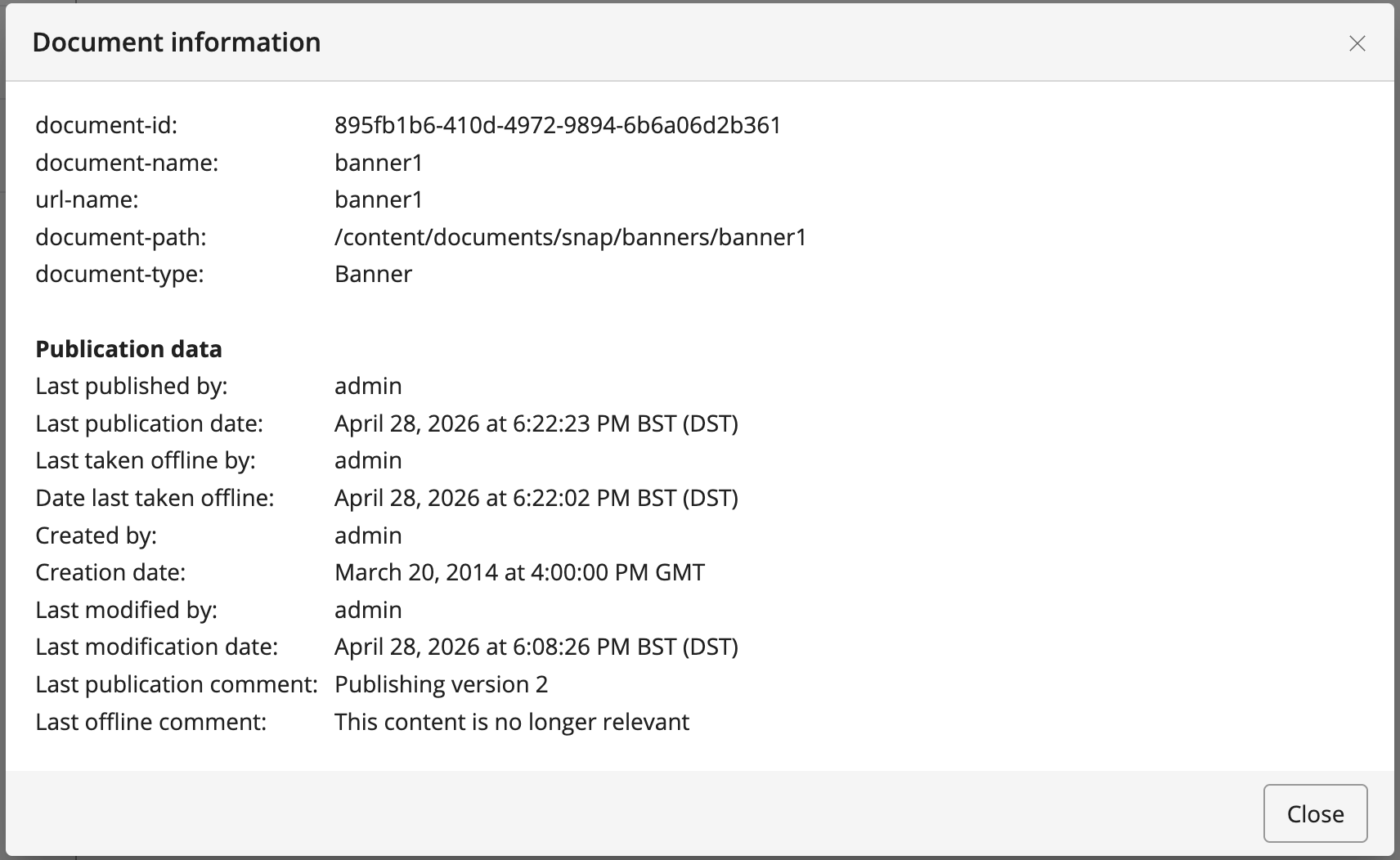
The document information dialog shows both the most recent publication and offline comments, if available.
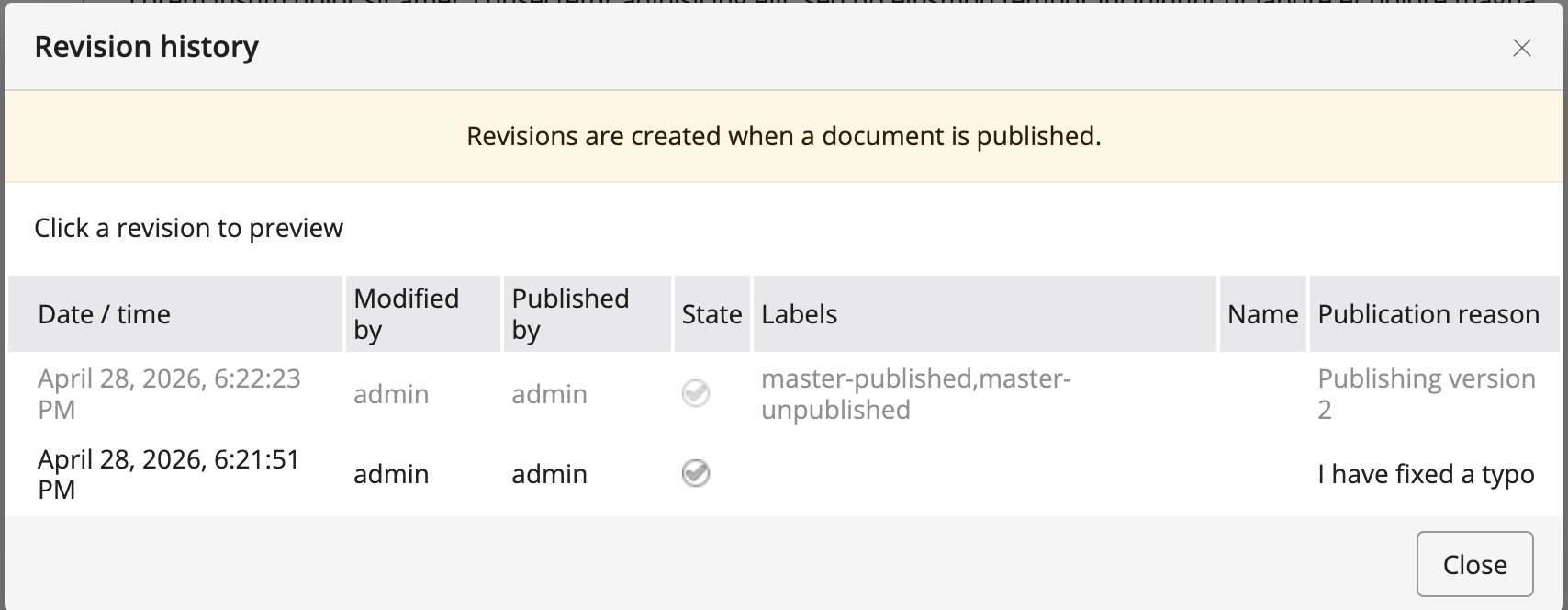
The revision history dialog displays the publication reason for each entry when available.
When an author submits a workflow request for publication or to take a document offline, the informational ribbon shows the provided comment.

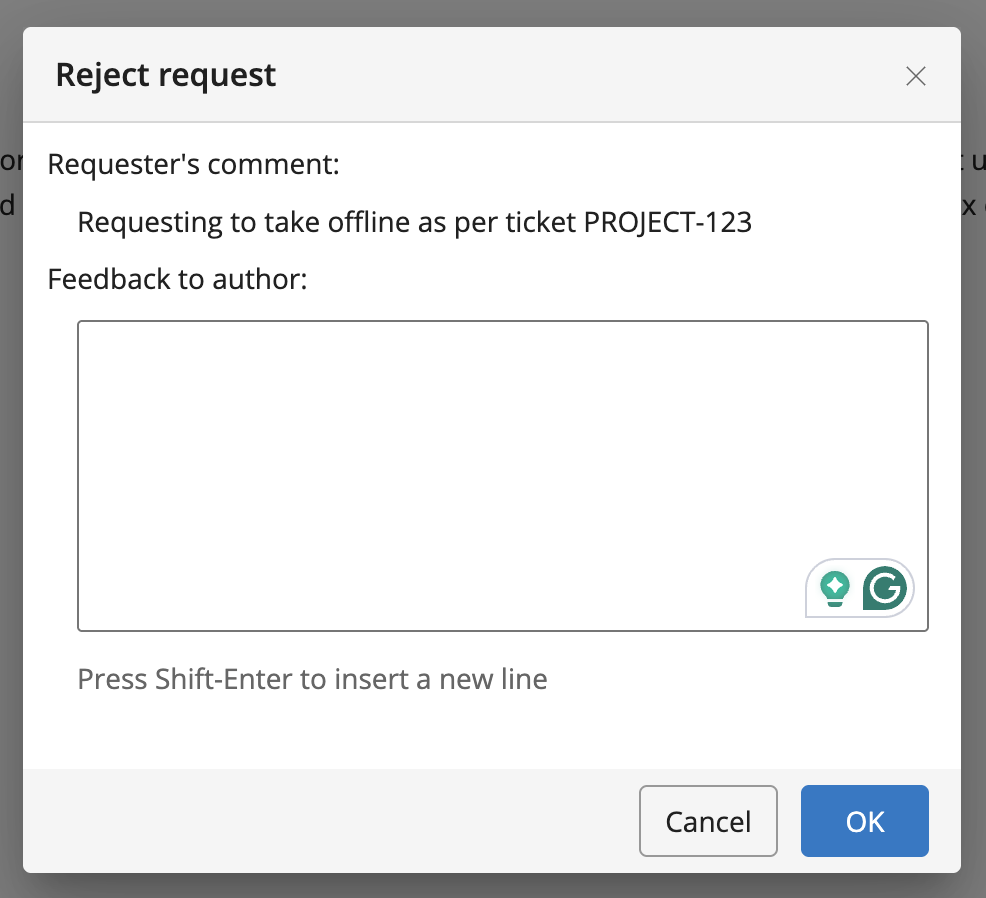
If an admin or editor rejects a workflow request, the same comment appears in the Reject Request dialog.
Configure the workflow commenting feature at:
/hippo:configuration/hippo:frontend/cms/cms-services/workflowCommentService
| Property name | Property type | Default value | Description |
|---|---|---|---|
enabled | Boolean | false | Enables or disables the comment field. |
hint.key | String | Sets a custom hint label key for the comment field. | |
max.comment.length | String | 100 | Sets the maximum comment length. Use -1 to disable the limit. |
validator.class | String | Fully qualified class name of a custom validator implementing org.apache.wicket.validation.IValidator. |
Enable the Feature
Set the enabled property to true to activate workflow commenting.
/workflowCommentService: jcr:primaryType: frontend:plugin enabled: true
Configure the Comment Length Limit
By default, comments are limited to 100 characters. To remove the limit, set max.comment.length to -1.
/workflowCommentService: jcr:primaryType: frontend:plugin enabled: true max.comment.length: '-1'
Customize the Hint Label
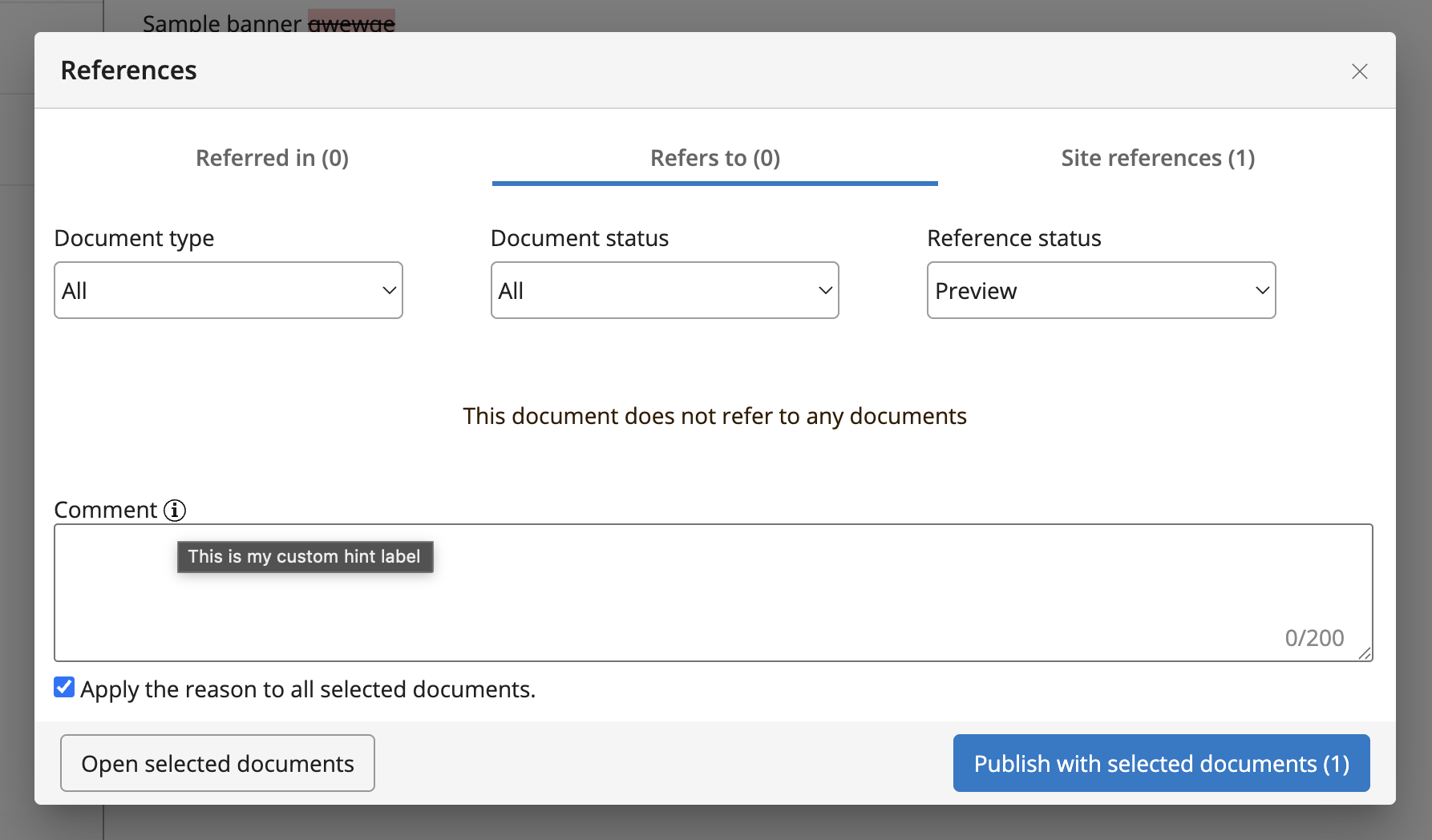
To customize the hint label, set the hint.key property and define the corresponding label in the translations for each language.
/workflowCommentService: jcr:primaryType: frontend:plugin enabled: true hint.key: commentHint
Add the custom label under the appropriate translation node, for example:
/en: jcr:primaryType: hipposys:resourcebundle <snip existing labels> commentHint: This is my custom hint label
Implement a Custom Validator
To enforce custom validation logic for comments, implement a validator and configure it in the service properties. For example, you can require comments to be mandatory or to contain a ticket number.
Place your validator class in the CMS module, for example:
myproject/cms/src/main/java/org/example/ReasonValidator.java
package org.example; import org.apache.wicket.validation.IValidatable; import org.apache.wicket.validation.IValidator; import org.apache.wicket.validation.ValidationError; public class ReasonValidator implements IValidator<String> { public static final String EMPTY_REASON = "reason.empty"; public static final String INVALID_REASON = "reason.invalid"; @Override public void validate(final IValidatable<String> validatable) { final String reason = validatable.getValue(); if (reason.isBlank()) { final ValidationError emptyReason = new ValidationError(this).addKey(EMPTY_REASON); validatable.error(emptyReason); return; } if (reason.equals("Invalid")) { final ValidationError invalidReason = new ValidationError(this).addKey(INVALID_REASON); validatable.error(invalidReason); } } }
Define the validation messages in a properties file in the CMS module resources directory:
myproject/cms/src/main/resources/org/example/ReasonValidator.properties
reason.invalid=Reason is invalid.
reason.empty=Reason is required.
Configure the validator class in the service properties:
/workflowCommentService: jcr:primaryType: frontend:plugin enabled: true validator.class: org.example.ReasonValidator